October 28, 2025
Designing for Accessibility: Why Inclusion is the Future of UX
Milaaj Editorial / Research Insights
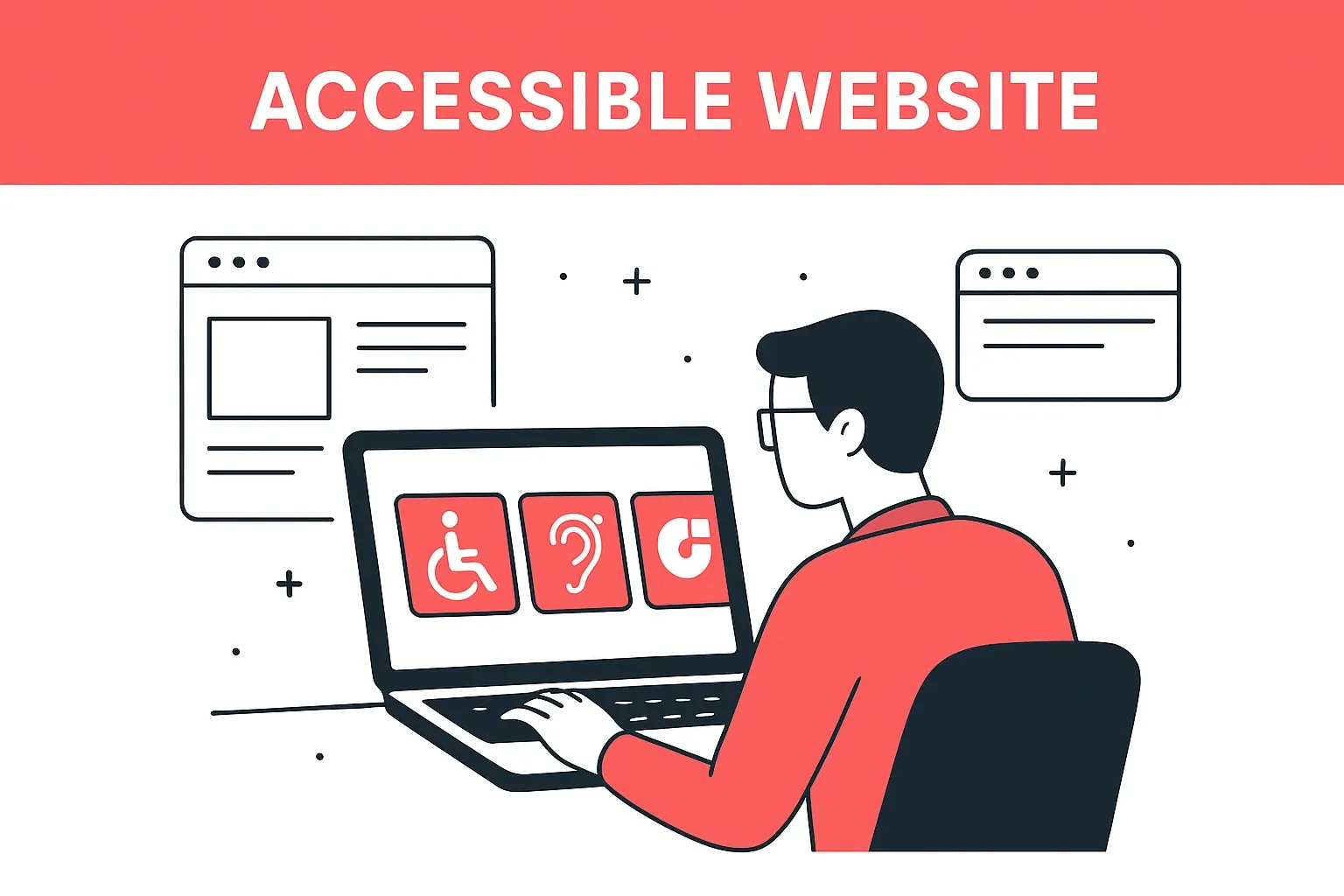
The internet was meant to connect everyone — yet, for millions of people, it still doesn’t.
From low color contrast and tiny text to websites that can’t be navigated by keyboard or screen readers, accessibility barriers continue to exclude users every day.
But things are changing. Accessibility is no longer optional — it’s a core part of good UX design.
In today’s digital-first world, creating inclusive experiences isn’t just about compliance or checking a box. It’s about empathy, equality, and building products that work for everyone. And that’s exactly what accessible UX design delivers.
What Is Accessibility in UX Design?
Accessibility in UX means designing digital products that can be used by people with diverse abilities — visual, auditory, cognitive, or motor.
It’s about ensuring that every user, regardless of their condition, can perceive, understand, navigate, and interact with your website or app effectively.
In short: Accessibility is usability for all.
Why Accessibility Is the Future of UX
- Global Inclusion Is Now a Standard, Not an Option
Governments, organizations, and tech platforms are prioritizing accessibility. From the Web Content Accessibility Guidelines (WCAG) to ADA compliance, inclusive design has become a legal and ethical expectation. - Accessible Design Improves Overall UX
When you design for accessibility, you naturally make your product better for everyone. Larger fonts, better color contrast, clear navigation, and voice support benefit all users — not just those with disabilities. - AI and Accessibility Are Converging
Modern UX integrates AI tools like voice assistants, image recognition, and text-to-speech. These features make accessibility both more intuitive and more scalable.
The Business Case for Accessibility
Beyond inclusion, accessibility is good for business.
- Expands Your Audience: Over 1 billion people worldwide live with disabilities. Accessible design opens your brand to this massive, often underserved market.
- Boosts SEO: Search engines reward accessible websites with better rankings since features like alt text, structured data, and clear navigation also improve crawlability.
- Reduces Legal Risk: Accessibility compliance helps businesses avoid lawsuits under global regulations like the ADA (US), EN 301 549 (EU), and the RPwD Act (India).
- Builds Brand Trust: Companies that champion accessibility stand out as socially responsible and user-first — values customers deeply appreciate.
Core Principles of Accessible UX Design
1. Perceivable
Ensure all information can be perceived by users in multiple ways.
- Provide alt text for images.
- Use captions and transcripts for videos.
- Maintain high color contrast for readability.
2. Operable
Users must be able to navigate and interact using different input methods.
- Enable full keyboard navigation.
- Provide clear focus indicators for interactive elements.
- Avoid time-sensitive interactions that lock users out.
3. Understandable
Your content and interfaces should be simple and predictable.
- Use plain, readable language.
- Keep consistent navigation patterns.
- Offer error messages that are clear and helpful.
4. Robust
Design with future adaptability in mind.
- Ensure compatibility with assistive technologies.
- Use semantic HTML and ARIA roles.
- Test regularly with accessibility tools and real users.
Practical Design Tips for Accessibility
- Color and Contrast
Stick to WCAG contrast ratios. Tools like Stark or Contrast Checker help ensure that text remains legible against backgrounds. - Typography Matters
Choose fonts with clear distinction between letters. Maintain at least 16px base font size and adequate line spacing. - Keyboard-Friendly Navigation
Ensure users can tab through interactive elements easily — a must for those who cannot use a mouse. - Alt Text for Every Image
Describe what’s visually important. For example:
❌ “Image1.jpg”
✅ “Smiling designer creating accessible website layout on laptop” - Forms That Speak Clearly
Add labels, instructions, and error feedback. Example: Instead of “Invalid entry,” say “Please enter a valid email address.” - Avoid Relying Only on Color
Don’t use color alone to convey information. Pair it with icons, patterns, or text for clarity.
The Role of AI in Accessibility
Artificial intelligence is revolutionizing inclusive design.
- Voice Interfaces: Tools like Siri, Alexa, and Google Assistant allow hands-free browsing.
- Image Recognition: AI can generate automatic alt text for visual content.
- Predictive Design Tools: Systems can now detect accessibility issues in real time — from contrast errors to missing captions.
AI is becoming an invisible accessibility partner, making inclusion scalable and automatic.
Accessibility Testing Tools
Accessibility isn’t achieved once — it’s maintained continuously.
Here are some top tools for testing your UX accessibility:
- Wave – Browser extension for accessibility insights.
- Axe DevTools – Detects issues in real-time during development.
- NVDA / JAWS – Screen readers for testing how content sounds to visually impaired users.
- Lighthouse (Google Chrome) – Provides accessibility scoring and improvement tips.
Designing for Cognitive Accessibility
Accessibility isn’t limited to physical disabilities — it includes cognitive and neurological conditions like ADHD, dyslexia, or anxiety.
Here’s how to make your UX cognitively inclusive:
- Keep layouts clean and consistent.
- Break content into small, digestible chunks.
- Avoid moving or flashing elements that distract or overwhelm.
- Use icons and visual cues to simplify comprehension.
Inclusive Design in Real-World Brands
Some of the world’s biggest brands are leading the accessibility revolution:
- Apple: VoiceOver and AssistiveTouch make iPhones accessible to users with visual or motor impairments.
- Microsoft: Their “Inclusive Design Toolkit” is a model for creating empathetic digital products.
- Airbnb: Enhanced color contrast and screen reader compatibility make browsing inclusive for all travelers.
Accessibility is not just a feature — it’s a competitive edge.
Common Accessibility Mistakes to Avoid
- Ignoring keyboard users.
- Using low contrast text on trendy designs.
- Forgetting form labels or alt attributes.
- Using auto-playing videos or animations.
- Skipping accessibility testing before launch.
Avoiding these pitfalls ensures your design remains truly inclusive.
The Emotional Side of Accessibility
At its heart, accessibility is about empathy.
It’s not just a checklist — it’s about understanding how users feel when they can’t access something.
When people feel seen, included, and empowered, they build emotional loyalty toward your brand. That’s the true power of accessible design.
Conclusion
Accessibility isn’t the future of UX — it’s the present necessity of digital design.
Creating inclusive, accessible interfaces not only supports users with disabilities but improves usability, performance, and trust for everyone.
As businesses strive to reach wider audiences, accessible UX design becomes a reflection of both innovation and compassion.
If you’re ready to make your digital products truly user-first, explore UI/UX Design Services and Web Development Solutions by Milaaj BrandSet — where accessibility and creativity work hand in hand to shape inclusive digital experiences.



Ready to Elevate Your Brand?
Start Your Project Today