August 18, 2026
How Automation Improves Customer Experience
Milaaj Editorial / Research Insights
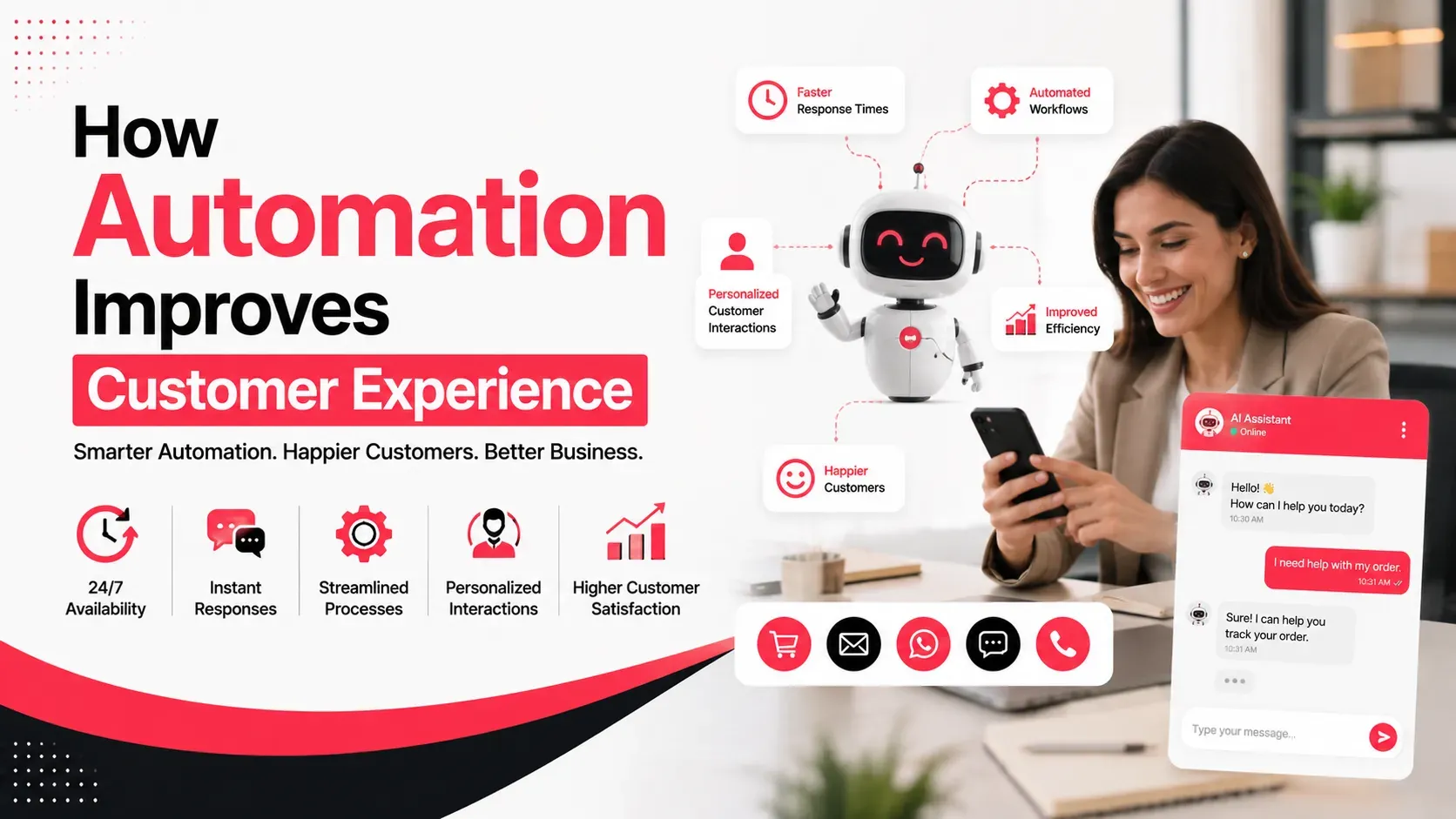
Customer expectations have changed. People want quick responses, convenient interactions, accurate information, and consistent service across every stage of their journey.
For businesses, delivering that experience manually at every touchpoint can become difficult as customer numbers grow. A customer may send a message after business hours, abandon a purchase, request an update, or expect a follow-up within minutes. If every action depends on a team member being available, delays are inevitable.
This is where automation can make a meaningful difference.
Customer experience automation uses technology to handle predictable interactions and repetitive processes while allowing employees to focus on situations that require judgment, empathy, or personal attention.
The goal is not to remove humans from customer service.
The goal is to remove unnecessary friction from the customer journey.
Quick Answer
Automation improves customer experience by making interactions faster, more consistent, personalized, and convenient.
Businesses can automate:
- Customer enquiries
- Appointment confirmations
- Order updates
- Follow-up messages
- Email sequences
- Lead qualification
- Feedback requests
- Abandoned-cart reminders
- Customer support FAQs
- CRM notifications
- Loyalty communications
The best automation strategy combines instant digital assistance with easy access to human support when a situation becomes complex.
What Is Customer Experience Automation?
Customer experience automation refers to using software, workflows, AI, CRM systems, and other technologies to automate parts of the customer journey.
A simple example is an online store sending an order confirmation immediately after a customer completes a purchase.
A more advanced example could involve:
Customer visits website → chatbot answers question → lead is captured → CRM creates customer record → sales team receives notification → automated follow-up is sent → customer receives appointment reminder
Without automation, several of these steps might require manual intervention.
With the right system, they can happen automatically.
Why Customer Experience Matters More as Businesses Grow
A small business may initially manage customer communication manually.
One employee can respond to enquiries, update customers, schedule appointments, and send follow-ups.
But as the customer base grows, the same approach can create problems.
Common issues include:
- Slow response times
- Missed enquiries
- Inconsistent communication
- Forgotten follow-ups
- Repeated questions
- Data-entry mistakes
- Poor handovers between departments
Automation helps businesses handle greater interaction volumes without requiring employees to perform every repetitive task themselves.
This is especially useful for businesses operating across multiple channels.
1. Automation Makes Response Times Faster
Speed is one of the clearest benefits.
A customer doesn't necessarily contact a business during working hours.
They may submit a form at midnight, send a social media message early in the morning, or browse a website during a weekend.
Automated systems can respond immediately with useful information.
For example:
That is much better than leaving the customer wondering whether their message was received.
Automation can therefore provide an immediate first response even when a human representative isn't available.
2. Automated Communication Creates Consistency
Customers should receive accurate information regardless of which employee handles their request.
Manual processes can create inconsistency.
One employee might send a detailed response while another provides only a short answer. A sales representative may follow up differently from someone in customer support.
Automated workflows can standardize predictable communication.
Examples include:
- Welcome emails
- Booking confirmations
- Payment notifications
- Delivery updates
- Renewal reminders
- Appointment reminders
- Follow-up messages
Consistency helps customers understand what to expect.
3. Personalization Can Happen at Scale
Automation doesn't have to mean generic messaging.
When connected to customer information, automated systems can personalize interactions.
For example, an e-commerce company could send different messages based on:
- Previous purchases
- Product interests
- Location
- Customer lifecycle stage
- Browsing activity
- Purchase frequency
A returning customer might receive a product recommendation based on previous purchases rather than the same introductory message sent to a first-time visitor.
This makes automation feel more relevant.
The important distinction is:
Generic automation saves time. Personalized automation improves experience.
4. Chatbots Can Help Customers Find Answers Faster
Customers often ask repetitive questions.
For example:
- What are your opening hours?
- How much does this service cost?
- Do you deliver?
- Where are you located?
- How long does delivery take?
- What payment methods do you accept?
A chatbot can answer many straightforward questions immediately.
This reduces waiting time for customers and allows support teams to concentrate on more complicated issues.
However, chatbot design matters.
A customer should not be trapped in an endless automated conversation.
There should be a clear option to reach a human when the request falls outside the chatbot's capabilities.
5. Automation Improves Lead Follow-Up
Not every customer is ready to purchase immediately.
Some visitors need additional information before making a decision.
Without a structured process, potential customers can be forgotten after their first enquiry.
Automation can trigger follow-ups based on customer actions.
For example:
Day 0: Customer submits enquiry
Day 1: Helpful information is sent
Day 3: Relevant case study is shared
Day 5: Sales representative follows up
Day 7: Final reminder or consultation offer
This creates a consistent journey without requiring someone to remember every follow-up manually.
For businesses focused on lead generation, this can also reduce the gap between marketing and sales.
6. Automated Order Updates Reduce Customer Anxiety
Customers often contact support because they don't know what is happening with an order.
Questions such as:
can generate unnecessary support requests.
Automated notifications can keep customers informed throughout the process.
For e-commerce businesses, useful updates can include:
- Order confirmation
- Payment confirmation
- Order processing
- Dispatch notification
- Tracking information
- Delivery confirmation
- Return status
Customers don't have to ask for information that the system can already provide.
7. Automation Makes Omnichannel Experiences More Consistent
Customers may interact with a business through several channels:
- Website
- Email
- WhatsApp
- Social media
- Phone
- Mobile app
- Physical location
The challenge is maintaining continuity.
A customer shouldn't have to repeat their entire story every time they move from one channel to another.
CRM-connected automation can help centralize customer information so teams can see relevant interactions.
For businesses already managing large volumes of customer information, integrating CRM and automation can make the transition between marketing, sales, and support much smoother.
8. Automated Feedback Helps Businesses Listen
Customer experience doesn't end after a purchase.
Businesses need to understand whether customers were satisfied.
Automation can trigger feedback requests at appropriate moments.
For example:
Purchase completed → product delivered → feedback request
or:
Support ticket closed → satisfaction survey
Businesses can then identify patterns in:
- Complaints
- Satisfaction
- Product quality
- Support performance
- Delivery experience
- Common customer frustrations
The key is not simply collecting feedback.
Businesses need to act on it.
9. Automation Can Reduce Repetitive Customer Effort
Customer effort is often overlooked.
A business might have excellent products but still provide a frustrating experience if customers have to repeatedly:
- Enter the same information
- Explain their problem
- Search for basic details
- Wait for routine updates
- Contact multiple departments
Automation can reduce these unnecessary steps.
For example, a CRM can automatically display previous interactions when a support representative opens a customer record.
The representative can understand the situation without asking the customer to repeat everything.
That small improvement can have a major effect on perceived service quality.
10. AI Makes Customer Automation More Flexible
Traditional automation typically follows predefined rules.
For example:
If customer submits form → send email.
AI-powered automation can handle more complex interactions.
AI can help:
- Categorize enquiries
- Summarize conversations
- Recommend responses
- Identify customer intent
- Analyze sentiment
- Route enquiries
- Generate personalized communication
This creates opportunities for more intelligent customer journeys.
However, businesses should establish clear boundaries.
AI should not confidently provide incorrect information simply because automation makes it possible.
Human review remains important for sensitive, unusual, or high-value situations.
Automation Should Not Replace Human Interaction
One of the biggest misconceptions about customer experience automation is that more automation is always better.
It isn't.
Some interactions require:
- Empathy
- Negotiation
- Creativity
- Emotional intelligence
- Specialist knowledge
- Human judgment
Imagine a customer complaining about a serious service failure.
A generic automated message saying:
is unlikely to improve the situation.
A better workflow could be:
Automated acknowledgement → priority classification → human escalation → personalized resolution → automated follow-up
This combines efficiency with empathy.
How to Identify What Should Be Automated
Businesses should not automate every customer interaction.
Start by identifying repetitive activities that meet three criteria:
High Frequency
The process happens frequently.
Predictable Outcome
The next action can be defined clearly.
Low Complexity
The task doesn't require significant human judgment.
Examples include:
- Confirmations
- Reminders
- Notifications
- Basic FAQs
- Data entry
- Routine follow-ups
Processes involving complaints, negotiations, unusual requests, or sensitive situations should generally retain stronger human involvement.
How to Build an Automated Customer Journey
A practical automation strategy can follow these stages.
Step 1: Map the Customer Journey
Identify every major interaction from discovery to retention.
Step 2: Identify Friction Points
Look for delays, repeated questions, missed follow-ups, and unnecessary steps.
Step 3: Prioritize Repetitive Tasks
Start with processes that consume significant employee time.
Step 4: Connect Customer Data
Use CRM and other systems to create a more complete customer record.
Step 5: Build Automation Rules
Define what happens when customers take specific actions.
Step 6: Add Human Escalation
Make it easy for customers to reach a person when automation isn't appropriate.
Step 7: Measure the Results
Monitor both operational and customer-facing metrics.
Metrics That Show Whether Automation Is Working
Businesses should measure more than the number of automated messages sent.
Useful metrics include:
Metric | What It Shows |
|---|---|
First response time | How quickly customers receive assistance |
Resolution time | How efficiently issues are solved |
Customer satisfaction | How customers perceive the experience |
Conversion rate | Whether automation supports buying decisions |
Repeat purchases | Whether the experience encourages retention |
Abandonment rate | Whether friction is causing customers to leave |
Support volume | Whether automation is resolving routine questions |
Customer effort | How easy the journey feels |
The right metrics depend on the business model.
A customer-service team might prioritize resolution time and satisfaction, while an e-commerce company may focus more heavily on conversion, abandonment, and repeat purchases.
Common Customer Automation Mistakes
Automating Too Much
Not every interaction should become automated.
Making It Difficult to Reach a Human
Customers should always have an escalation path when appropriate.
Using Outdated Customer Data
Personalization based on incorrect information can make the experience worse.
Sending Too Many Messages
Automation can easily become communication overload.
Ignoring Customer Feedback
Automated surveys are pointless if nobody acts on the results.
Failing to Test Workflows
A small automation error can affect thousands of customers when it runs at scale.
Key Takeaways
- Automation can make customer interactions faster and more consistent.
- Automated responses reduce unnecessary waiting.
- Personalized workflows can improve relevance without requiring manual communication every time.
- Chatbots are useful for routine questions when customers can easily reach human support.
- CRM integration helps maintain continuity across customer interactions.
- Automated notifications reduce uncertainty around orders and appointments.
- Feedback automation helps businesses identify recurring customer problems.
- AI can make automation more flexible, but human oversight remains essential.
- The best automation removes friction rather than simply reducing employee workload.
- Customer satisfaction and business outcomes should determine whether an automation is successful.
Conclusion
Automation works best when customers barely notice that it is there.
They simply receive the right information at the right moment, don't have to repeat themselves, and can reach a real person when they need one.
That is the real value of customer experience automation.
It isn't about replacing conversations with machines. It is about removing repetitive tasks so employees can spend more time on the conversations that actually matter.
For businesses looking to connect customer data, marketing workflows, and automation into a more efficient digital operation, Milaaj Brandset can help develop solutions that support stronger customer journeys and long-term business growth.
Businesses looking to streamline customer journeys, CRM workflows, notifications, and repetitive processes can explore AI automation services in Dubai. The service covers business process automation, workflow automation, CRM/ERP integrations, data extraction, and AI-based decision automation.
Frequently Asked Questions
How does automation improve customer experience?
Automation improves customer experience by reducing response times, providing consistent information, simplifying repetitive processes, and delivering relevant communication at the right stage of the customer journey.
Can automation replace customer service employees?
No. Automation is most effective when it handles routine tasks while employees manage complex, sensitive, or high-value customer interactions.
What customer service tasks can be automated?
Common examples include FAQs, appointment reminders, order updates, feedback requests, basic enquiries, lead routing, and routine follow-ups.
Does customer experience automation work for small businesses?
Yes. Small businesses can start with simple automation such as enquiry acknowledgements, booking reminders, email follow-ups, and customer notifications before moving toward more advanced workflows.
How does CRM integration improve customer experience?
CRM integration gives employees access to relevant customer information and interaction history, reducing the need for customers to repeatedly explain their situation.
What is the biggest mistake with customer experience automation?
The biggest mistake is automating interactions without considering customer needs. A poorly designed automated process can create more frustration than the manual process it replaced.
Ready to Elevate Your Brand?
Start Your Project Today