July 9, 2026
Google Search Console Guide for Beginners: How to Improve Your Website's SEO
Milaaj Editorial / Research Insights
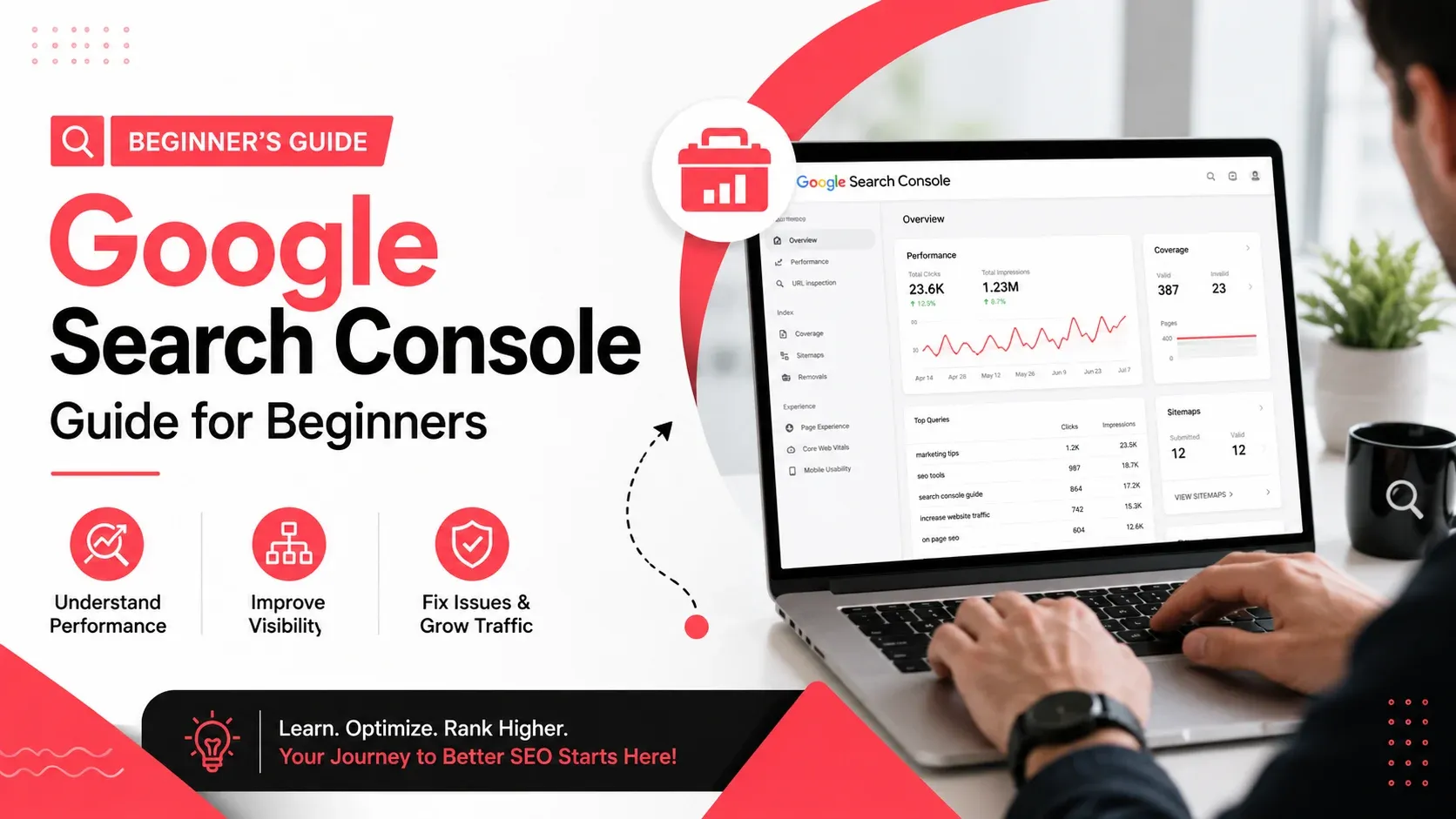
If you want your website to rank higher on Google, one of the first tools you should learn is Google Search Console (GSC). It's a free platform from Google that helps website owners monitor search performance, identify technical SEO issues, and understand how people find their websites through search.
Whether you run a business website, an ecommerce store, or a blog, Google Search Console provides valuable insights that can help improve your organic visibility. For businesses in Dubai and across the UAE, it also reveals which local search queries are driving traffic, making it easier to refine your SEO strategy.
This beginner-friendly guide explains what Google Search Console is, how to set it up, and how to use its most important features to improve your website's performance.
Quick Answer
Google Search Console is a free SEO tool that helps you monitor your website's performance in Google Search. It allows you to track clicks, impressions, keyword rankings, indexing status, crawl issues, and Core Web Vitals. By regularly reviewing its reports, businesses can identify SEO opportunities, fix technical problems, and improve their search visibility.
What Is Google Search Console?
Google Search Console is a free web service that allows website owners to understand how Google discovers, crawls, indexes, and ranks their pages.
Unlike analytics tools that focus on user behavior after visitors arrive on your website, Google Search Console focuses on what happens before they click your search result.
It answers questions like:
- Which keywords bring visitors to my website?
- Which pages receive the most organic traffic?
- Is Google indexing all my important pages?
- Are there crawl or indexing errors?
- How does my website perform on mobile devices?
These insights help you make informed SEO improvements instead of relying on guesswork.
Why Every Website Should Use Google Search Console
Google Search Console benefits websites of all sizes, from small local businesses to large ecommerce stores.
Some of its biggest advantages include:
- Monitoring keyword rankings
- Measuring organic traffic performance
- Identifying indexing issues
- Detecting crawl errors
- Tracking mobile usability
- Monitoring Core Web Vitals
- Submitting XML sitemaps
- Requesting faster indexing for updated pages
For UAE businesses competing in local search results, these insights can reveal opportunities to improve visibility for valuable commercial keywords.
How to Set Up Google Search Console
Getting started is straightforward.
1. Add Your Website
Sign in using a Google account and add your website as a new property.
You'll typically choose between:
- Domain Property
- URL Prefix Property
Most businesses prefer a Domain Property because it tracks all versions of the website.
2. Verify Ownership
Google needs confirmation that you own the website.
Common verification methods include:
- DNS record
- HTML file upload
- HTML meta tag
- Google Analytics
- Google Tag Manager
After verification, Google begins collecting search data.
3. Submit Your XML Sitemap
Submitting a sitemap helps Google discover your important pages more efficiently.
Your sitemap is usually located at:
yourdomain.com/sitemap.xml
After submission, Google regularly checks for new and updated content.
Businesses investing in technical SEO services often ensure sitemaps remain accurate and error-free as websites grow.
Understanding the Main Reports
Google Search Console contains several reports, but beginners only need to focus on a few key sections.
Report | Purpose |
|---|---|
Performance | Monitor clicks, impressions, CTR, and keyword rankings |
URL Inspection | Check indexing status of individual pages |
Pages | Identify indexed and excluded pages |
Sitemaps | Submit and monitor XML sitemaps |
Core Web Vitals | Measure page experience and loading performance |
Learning these reports provides a strong foundation before exploring more advanced features.
Performance Report
The Performance report is where you'll spend most of your time.
It shows how your website performs in Google Search.
Key metrics include:
Clicks
The number of users who clicked your website from Google Search.
Increasing clicks usually indicates stronger SEO performance.
Impressions
The number of times your pages appeared in search results.
High impressions with low clicks often suggest opportunities to improve titles and meta descriptions.
Click-Through Rate (CTR)
CTR measures the percentage of impressions that become clicks.
Improving page titles, meta descriptions, and search intent alignment can often increase CTR without improving rankings.
Average Position
This estimates where your pages appear in search results.
While rankings fluctuate naturally, monitoring trends over time is more valuable than focusing on individual positions.
URL Inspection Tool
The URL Inspection tool lets you analyze individual pages.
It answers questions such as:
- Is the page indexed?
- Can Google crawl it?
- Was the page recently updated?
- Are there indexing issues?
After making important SEO updates, you can also request Google to recrawl the page.
This feature is particularly useful after updating service pages, publishing new content, or fixing technical SEO issues.
Pages Report
The Pages report (formerly Coverage Report) shows which pages Google has indexed and which have been excluded.
Common statuses include:
- Indexed
- Crawled – currently not indexed
- Discovered – currently not indexed
- Duplicate page
- Redirected page
- Blocked by robots.txt
Not every excluded page indicates a problem, but unexpected exclusions should be investigated.
Regular monitoring helps ensure important pages remain accessible to Google.
Use Search Queries to Find SEO Opportunities
One of the easiest ways to improve SEO is by reviewing the keywords already generating impressions.
Look for pages that:
- Rank between positions 8–20
- Have high impressions but low CTR
- Receive consistent impressions but few clicks
These pages often require only small improvements, such as:
- Better title tags
- More compelling meta descriptions
- Updated content
- Improved internal linking
Combining Search Console data with SEO content optimization helps businesses strengthen pages that are already close to ranking on the first page.
Monitor Core Web Vitals
Core Web Vitals measure important aspects of user experience.
Google evaluates factors including:
- Loading speed
- Visual stability
- Interaction responsiveness
Poor page experience can affect both rankings and user satisfaction.
Improving image optimization, server response times, and page structure often leads to better Core Web Vitals scores.
Submit Updated Pages for Faster Indexing
Whenever you publish a new page or make significant SEO improvements, you don't have to wait for Google to discover the changes naturally.
Using the URL Inspection tool, you can request indexing after:
- Publishing a new blog post
- Updating a service page
- Fixing technical SEO issues
- Adding structured data
- Improving page content
While Google doesn't guarantee immediate indexing, this feature often helps updated pages get recrawled sooner.
Fix Indexing and Crawl Issues
If important pages aren't appearing in search results, the Pages report should be your first stop.
Common issues include:
- Blocked pages
- Noindex tags
- Broken redirects
- Server errors
- Soft 404 errors
- Duplicate pages
Addressing these issues helps search engines crawl and index your website more efficiently.
For growing websites in Dubai and across the UAE, regular technical reviews can prevent indexing problems from affecting important service and location pages.
Use Google Search Console to Improve Your SEO
Google Search Console isn't just a reporting tool—it helps identify practical opportunities to improve rankings.
Here are a few ways beginners can use it effectively:
Improve Existing Content
Instead of creating new articles every week, review pages that already receive impressions but rank on the second page of Google.
Updating these pages with:
- Better information
- Improved headings
- Relevant FAQs
- Fresh statistics
- Stronger internal links
can often produce faster SEO gains than publishing new content.
Find High-Potential Keywords
Open the Performance report and sort keywords by impressions.
Look for keywords that:
- Have high impressions
- Rank between positions 8–20
- Receive relatively few clicks
These are excellent optimization opportunities because Google already considers your page relevant.
Improve Click-Through Rate
A page ranking in the top 10 doesn't always receive many clicks.
If impressions are high but CTR is low, consider improving:
- Title tags
- Meta descriptions
- Search intent alignment
More compelling search snippets can increase traffic without improving rankings.
Monitor Mobile Performance
Most searches now happen on mobile devices.
Regularly review:
- Mobile usability
- Core Web Vitals
- Responsive layout
- Page loading speed
A smooth mobile experience benefits both SEO and user satisfaction.
Businesses investing in responsive web design generally provide better experiences for mobile users while supporting long-term SEO performance.
Common Beginner Mistakes
Many website owners install Google Search Console but rarely use its insights.
Avoid these common mistakes:
- Ignoring indexing warnings
- Focusing only on rankings instead of clicks and impressions
- Never submitting an XML sitemap
- Checking data too frequently instead of identifying long-term trends
- Ignoring pages with declining traffic
- Failing to request indexing after major updates
Google Search Console is most valuable when reviewed consistently rather than occasionally.
Best Practices for Using Google Search Console
To get the most value from the platform:
- Review the Performance report every week.
- Check indexing issues after publishing new content.
- Submit updated XML sitemaps when necessary.
- Monitor Core Web Vitals regularly.
- Investigate unexpected traffic drops promptly.
- Compare data over longer date ranges to identify meaningful trends.
- Combine Search Console insights with analytics and SEO audits.
These habits help you identify opportunities before they become larger SEO problems.
Key Takeaways
- Google Search Console is an essential free SEO tool for every website.
- The Performance report helps identify keyword and traffic opportunities.
- URL Inspection makes it easy to check indexing status and request recrawls.
- The Pages report highlights indexing and crawl issues.
- Core Web Vitals help monitor page experience.
- Regularly reviewing Search Console data supports continuous SEO improvements.
- Businesses should use Search Console insights alongside a broader SEO strategy for the best results.
Start Using Search Console to Make Better SEO Decisions
Google Search Console gives website owners direct insight into how Google views their websites. Instead of guessing which pages perform well or why rankings change, you can rely on real search data to guide your decisions.
For beginners, mastering a handful of core reports is enough to uncover valuable opportunities, fix technical issues, and improve organic visibility over time. As your website grows, Search Console becomes an indispensable tool for monitoring performance and supporting long-term SEO success.
If you're looking to turn Search Console insights into measurable growth, Milaaj Brandset helps businesses build effective SEO strategies, improve technical performance, and create optimized websites that attract more qualified organic traffic.
FAQs
Is Google Search Console free?
Yes. Google Search Console is completely free and available to anyone who owns or manages a website.
How often should I check Google Search Console?
For most websites, reviewing key reports once a week is sufficient. Larger websites may benefit from more frequent monitoring.
How long does it take for Search Console to show data?
After verification, Google usually starts displaying data within a few days, although historical reports may take longer to populate.
What's the difference between Google Search Console and Google Analytics?
Google Search Console shows how users find your website through Google Search, while Google Analytics focuses on what visitors do after they arrive on your site.
Can Google Search Console improve rankings?
The tool itself doesn't improve rankings, but the insights it provides help you fix SEO issues, optimize content, and improve your website's search performance.
Should I submit every new page for indexing?
Not always, but it's a good practice for important new pages or pages that have been significantly updated.
Is Google Search Console useful for local SEO?
Yes. Businesses targeting customers in Dubai, Abu Dhabi, or elsewhere in the UAE can use Search Console to identify location-relevant search queries, monitor local landing pages, and measure organic performance.
Ready to Elevate Your Brand?
Start Your Project Today