September 23, 2026
Website Launch Checklist 2026: Everything to Check Before You Go Live
Milaaj Editorial / Research Insights
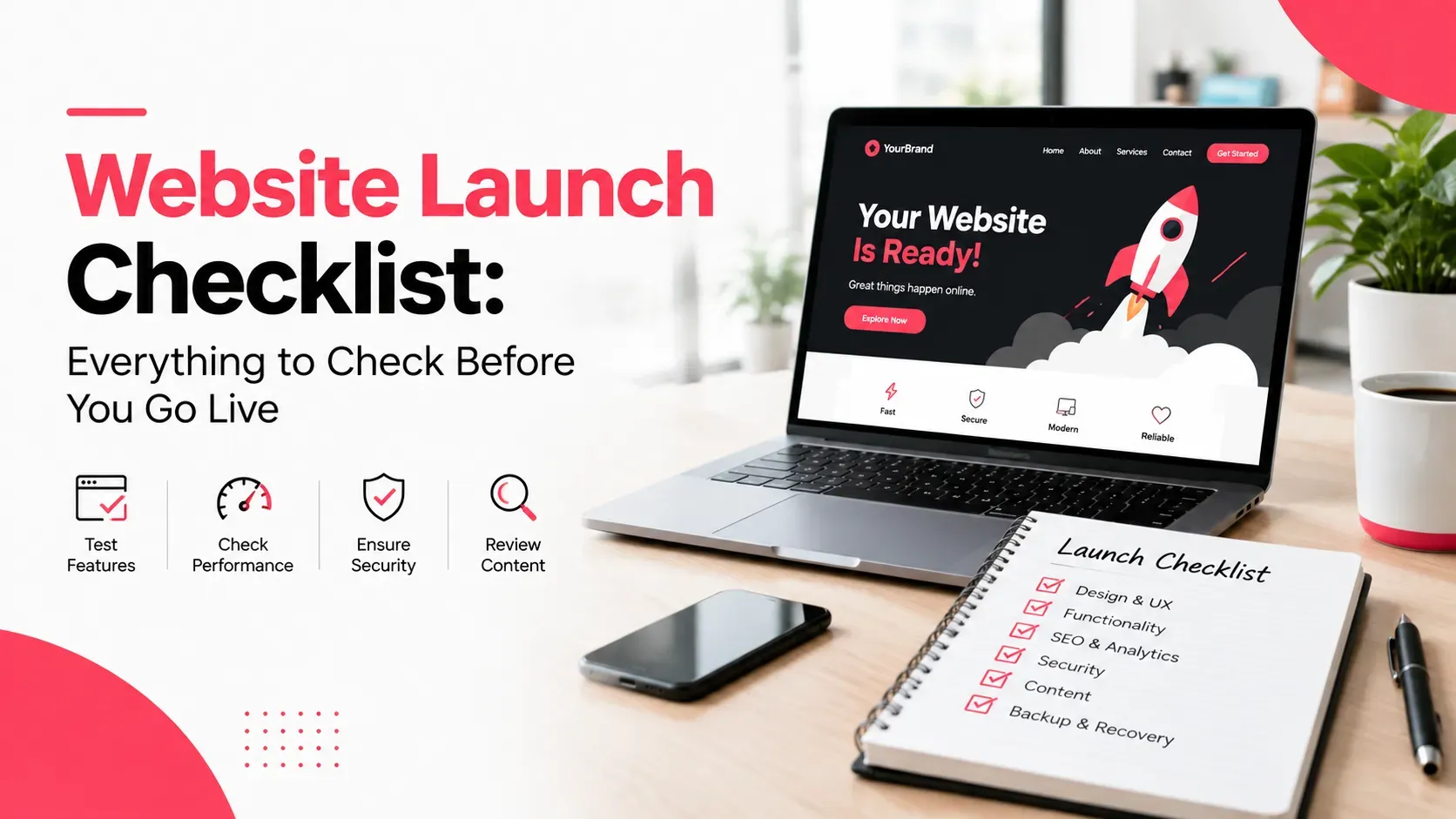
Picture this. Your new website goes live on a Thursday afternoon. Then on Monday, someone notices the enquiry form has been sending every lead to an email address nobody has checked in two years.
That's exactly the kind of problem a website launch checklist exists to prevent. Whether you're launching a brand-new site or replacing an old one, a few hours of structured testing protects months of work, your Google rankings, and the leads you've paid to attract. Here's every check, in the order to run it.
Quick Answer
A website launch checklist is a structured list of tests you run before a site goes public, covering content, mobile design, forms, SEO settings, speed, tracking, and security. The three checks that cause the most damage when skipped are removing any "noindex" setting, redirecting old URLs with 301 redirects, and testing every form on the live domain.
Key Takeaways
- Start testing about two weeks before launch, not on launch day.
- A leftover "noindex" tag or missing 301 redirects can wipe out your Google visibility within days.
- Test every form, button, and WhatsApp link on the live domain, not just on the staging site.
- Set up GA4 and conversion tracking before launch so you capture data from the first visitor.
- The first 30 days after launch matter as much as launch day itself.
What Is a Website Launch Checklist (and Why Do You Need One)?
A website launch checklist is a step-by-step list of quality checks that confirms a site is ready for real visitors and search engines. It covers what people see (content, design, mobile layout), what they use (forms, payments, links), and what Google sees (indexing, redirects, speed).
You need one because launch problems are rarely obvious. A broken form doesn't show an error; it just stops sending leads. A missed redirect doesn't crash anything; it quietly sends your old Google traffic to a 404 page.
When Should You Start Pre-Launch Testing?
Most launch disasters happen because testing starts too late. Spread the work out like this:
- Two weeks before launch: content review, design and mobile testing, and a full list of old URLs that need redirects.
- 48 hours before launch: form tests, SEO settings, speed tests, and tracking setup on the staging site.
- Launch day: the go-live sequence (covered below) plus a repeat of critical tests on the live domain.
- First week live: daily checks on forms, Search Console, and analytics.
If your developer hasn't shared a testing timeline, ask for one. It shows whether a launch is managed or improvised.
Content and Copy Checks
Content errors are the easiest to fix and the most embarrassing to miss.
Remove Placeholder Text and Dummy Images
Search every page for "lorem ipsum," "sample text," and stock images that were only meant as stand-ins. Templates often hide them in team and testimonial sections.
Check Your Contact Details Everywhere
Your phone number, WhatsApp number, email, and address should match exactly across the header, footer, contact page, and Google Business Profile. Inconsistent details confuse customers and weaken local search signals.
Add Your Legal Pages
At minimum, publish a privacy policy, a cookie notice if you use tracking cookies, and terms of use if you sell online. If you collect personal data from UAE customers, make sure your privacy policy reflects the UAE's data protection requirements.
Test Arabic and RTL Pages
If your site is bilingual, check that Arabic pages display right-to-left correctly, that menus and icons flip properly, and that the language switcher takes users to the matching page rather than the homepage.
Design, Mobile, and Browser Checks
Most UAE visitors will see your site on a phone first, so treat mobile as the main version.
Test on Real Phones
Resizing a desktop browser is not the same as using a phone. Test on at least one iPhone and one Android device, checking menus, pop-ups, image cropping, and how easy buttons are to tap.
Run Cross-Browser Checks
Open your key pages in Chrome, Safari, Edge, and Firefox. Safari in particular tends to reveal layout bugs that Chrome hides.
Check the Small Details
- A favicon appears in the browser tab
- A custom 404 page helps lost visitors find their way back
- Images are sharp but not oversized
- Buttons and links actually look clickable
Cover Basic Accessibility
Add descriptive alt text to images, check text contrast against backgrounds, and make sure the site can be navigated with a keyboard.
Functionality Checks: Forms, Links, and Integrations
This is where lost leads hide, so every interactive element needs a real test.
Submit Every Form
Fill in each form yourself and confirm three things:
- The thank-you message appears
- The submission lands in the right inbox or CRM
- The customer receives a confirmation email, if one is promised
Repeat the test after launch on the live domain, because form settings often still point to staging.
Test WhatsApp and Click-to-Call Buttons
Tap each one on a phone. Check that WhatsApp opens with the correct number and any pre-filled message, and that call buttons dial the right line.
Hunt Down Broken Links
A crawler such as Screaming Frog (free for up to 500 URLs) will find broken internal links, missing images, and links still pointing to the staging domain.
Run Test Transactions
For e-commerce sites, complete a real purchase with each payment method, then refund it. Confirm that order emails, stock levels, and delivery charges all behave as expected.
If your site connects to a CRM, booking system, or ERP, test those handoffs too. Integrations are usually the most fragile part of a launch, which is why our web development services in Dubai treat integration testing as a separate sign-off step rather than part of general QA.
Website Launch Checklist for SEO: The Checks You Can't Skip
If there's one section of this website launch checklist to print and pin to your desk, it's this one. SEO mistakes surface days later, after traffic has already dropped.
Remove Noindex Tags and Robots.txt Blocks
Developers often block search engines on staging sites so unfinished work doesn't get indexed. If that setting survives launch, Google is told to ignore your entire site. Check that robots.txt doesn't contain "Disallow: /" and that no page carries a "noindex" tag unless you intend it to. On WordPress, also untick "Discourage search engines from indexing this site."
Set Up 301 Redirects From Every Old URL
If you're replacing an old site, every old URL with traffic or backlinks needs a 301 redirect to its closest new equivalent. Without them, you throw away the ranking value those pages built up over years.
Google's guide to site moves with URL changes recommends mapping old URLs to new ones individually and keeping redirects in place for at least a year.
Check Titles, Meta Descriptions, and Headings
Every important page needs a unique title tag, a meta description, and one clear H1. Duplicate titles copied across a template are one of the most common launch oversights.
Submit Your XML Sitemap
Once the site is live, submit your XML sitemap in Google Search Console and request indexing for your homepage and key service pages.
Confirm Canonicals and Schema
Canonical tags should point to the live domain, not staging. If you use schema markup (such as LocalBusiness or FAQ schema), validate it with Google's Rich Results Test.
A migration is one of the riskiest moments in a website's SEO life, so many businesses bring in professional SEO services in Dubai specifically to map redirects and monitor rankings through the switch.
Speed and Performance Checks
Speed affects both rankings and visitor patience. Google measures it through Core Web Vitals, three metrics with clear "good" thresholds:
Metric | What it measures | Good score |
|---|---|---|
Largest Contentful Paint (LCP) | How fast the main content loads | 2.5 seconds or less |
Interaction to Next Paint (INP) | How quickly the page responds to taps and clicks | 200 milliseconds or less |
Cumulative Layout Shift (CLS) | How much the layout jumps while loading | 0.1 or less |
You can read how each one is measured in Google's Core Web Vitals overview on web.dev.
Compress Images and Enable Caching
Oversized images are the most common cause of slow pages. Convert them to WebP, resize them to the dimensions they actually display at, and turn on caching and a CDN.
Check Hosting for UAE Visitors
A server located far from your audience adds delay to every request. Run PageSpeed Insights on your key pages, not only the homepage, and fix anything scoring in the red before launch. For a deeper walkthrough of each metric, see our guide to Core Web Vitals for UAE websites.
Tracking and Analytics Setup
If tracking isn't live on launch day, you lose the most useful comparison you'll ever have: how the new site performs against the old one.
Install GA4 and Google Tag Manager
Add Google Analytics 4 through Google Tag Manager so you can add or change tracking later without touching the site's code.
Set Up Conversion Events
Page views alone don't tell you much. Track the actions that matter to your business:
- Form submissions
- Click-to-call taps
- WhatsApp button clicks
- Purchases or completed bookings
Verify Search Console and Ad Pixels
Verify the new site in Google Search Console, and add Meta or Google Ads pixels only if you run those campaigns. Test every tag in preview mode first.
Tracking is fiddly, and a misfiring tag can double-count conversions for months without anyone noticing. A dedicated GA4 and Google Tag Manager setup service can confirm your data is accurate from the very first visit.
Security and Backup Checks
Lock your site down before it goes public.
- SSL certificate: every page should load on HTTPS, with HTTP versions redirecting automatically.
- Admin access: use strong, unique passwords, turn on two-factor authentication, and delete test accounts.
- Backups: schedule automatic daily backups stored off the server, and confirm you can actually restore one.
- Updates: make sure the CMS, theme, and plugins are on their latest versions.
- Spam protection: add reCAPTCHA or a honeypot field to forms so your inbox isn't flooded on day one.
Launch Day: The Go-Live Sequence
Follow this order to keep launch day calm:
- Pick the right window. Launch on a weekday morning (Tuesday to Thursday works well in the UAE) when your team and developer are available, never right before a weekend.
- Take a full backup of both the old and new sites.
- Switch the DNS or push the site live, then allow time for propagation.
- Clear every cache, including your CDN.
- Re-check robots.txt and noindex settings on the live domain.
- Re-test every form and payment on the live URL.
- Spot-check your redirects by visiting 10 to 20 old URLs.
- Submit your sitemap and request indexing in Search Console.
What to Check in the First 30 Days After Launch
Over the first month, keep an eye on:
- Search Console: crawl errors, 404s, and pages dropping out of the index
- Analytics: traffic and conversions compared with the old site
- Forms: a weekly test submission to confirm leads still arrive
- Rankings: your top keywords, since small fluctuations are normal after a migration
Some ranking movement is expected for a few weeks. A steady decline after that usually points to missing redirects or indexing problems. Our article on why ongoing website maintenance matters for SEO explains how to keep a site healthy long after launch.
Should You Run This Checklist Yourself or Hand It to a Pro?
Plenty of this you can handle yourself. Proofreading, mobile checks, form tests, and contact details don't need technical skills. Other tasks are riskier to learn on the job:
- Redirect mapping for sites with lots of existing pages
- DNS changes and hosting configuration
- Tracking setup and conversion events
- Speed optimization beyond basic image compression
If your site has years of rankings behind it, or it drives most of your leads, a mistake usually costs more than getting help. Working with a web design company in Dubai that manages launches end to end means testing, migration, and post-launch monitoring are handled by people who have done it many times before.
Frequently Asked Questions
How long before launch should I start testing my website?
Start about two weeks before your planned launch date. That leaves time to fix content and design first, then test forms, SEO, and tracking in the final 48 hours.
What is the most common mistake when launching a new website?
Leaving a "noindex" tag or robots.txt block in place from the staging site. It tells Google to ignore your pages, and traffic can disappear within days. Always check this on the live domain straight after launch.
Do I need to submit my new website to Google?
Google will usually find a new site on its own eventually, but submitting your XML sitemap in Search Console speeds things up and helps you spot indexing problems early.
What is the best day and time to launch a website?
A weekday morning, ideally Tuesday to Thursday, when your team and developer are around to fix anything that breaks. Avoid launching right before a weekend or public holiday.
Why did my rankings drop after launching my redesigned website?
The usual causes are missing 301 redirects, changed URLs, removed content, or an accidental noindex tag. Short-term fluctuation is normal, but if rankings keep falling after a few weeks, check your redirects and the Search Console indexing report first.
Final Thoughts
Launching a website doesn't have to feel like a gamble. With a clear website launch checklist, you move from hoping everything works to knowing it does, and you protect the rankings, leads, and budget you've already invested.
Work through the checks in order, test again on the live domain, and keep watching through the first month. If you'd rather have an experienced team alongside you, Milaaj Brandset helps UAE businesses launch websites that work properly from the very first visitor.
Ready to Elevate Your Brand?
Start Your Project Today