August 1, 2026
GA4 Setup Guide for Business Websites: Step-by-Step Google Analytics 4 Setup
Milaaj Editorial / Research Insights
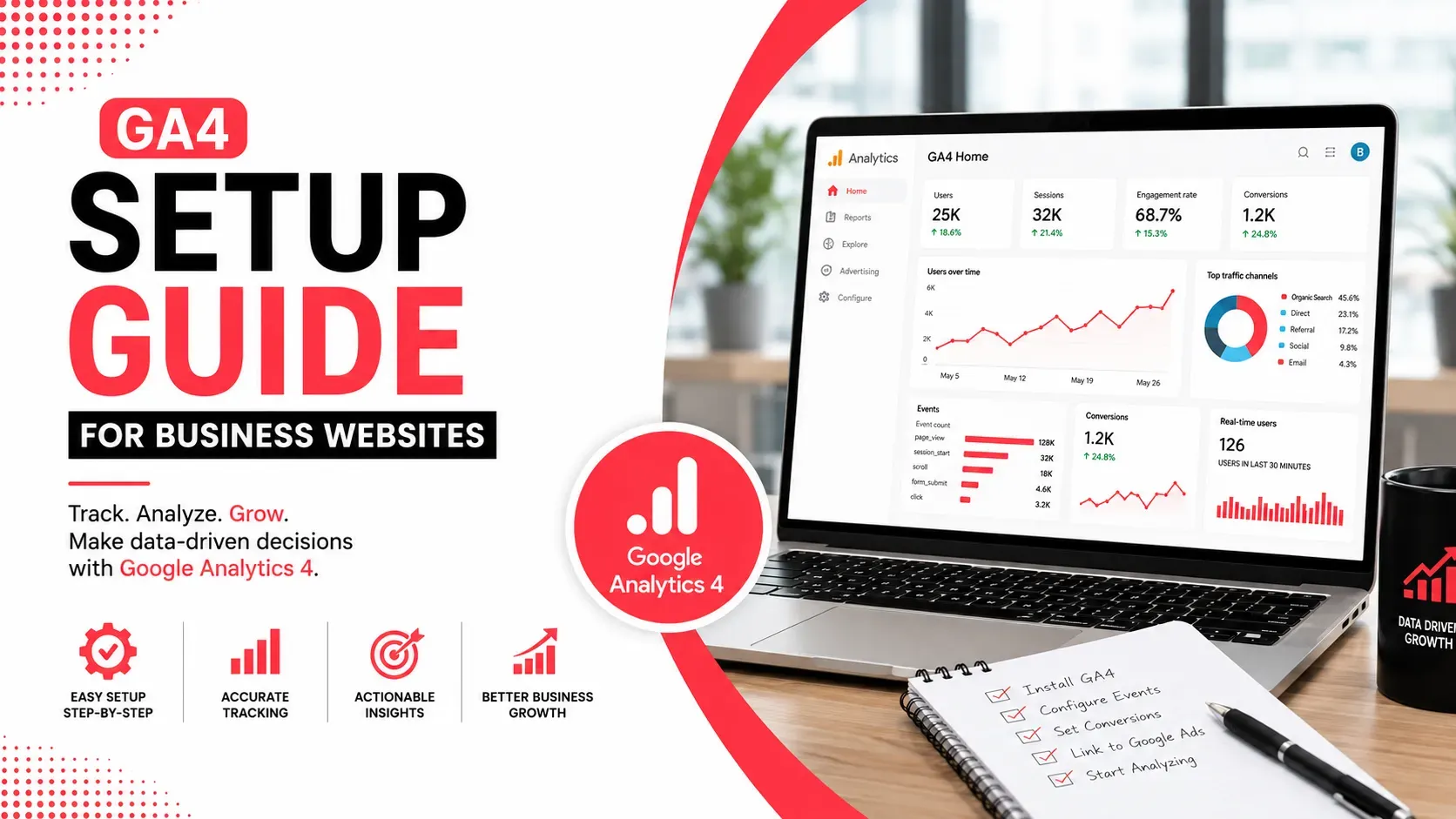
Understanding how visitors interact with your website is essential for making informed marketing decisions. Without reliable analytics, it's difficult to know which marketing channels drive valuable traffic, where users drop off, or how effectively your website converts visitors into leads and customers.
Google Analytics 4 (GA4) is Google's latest analytics platform, designed to help businesses measure customer journeys across websites and apps while offering deeper insights into user behaviour, engagement, and conversions. Unlike previous versions of Google Analytics, GA4 uses an event-based data model that provides greater flexibility and more meaningful reporting.
Whether you're launching a new website or upgrading from Universal Analytics, this guide explains how to set up GA4 correctly so you can collect accurate data and make better business decisions.
Quick Answer
Google Analytics 4 (GA4) helps businesses track website visitors, user behaviour, conversions, and marketing performance. Setting up GA4 involves creating a property, installing the tracking tag, enabling Enhanced Measurement, configuring events and conversions, linking Google services, and verifying that data is being collected accurately.
What Is Google Analytics 4 (GA4)?
Google Analytics 4 is Google's modern analytics platform that helps businesses understand how users interact with their websites and applications.
Unlike Universal Analytics, which primarily relied on pageviews and sessions, GA4 records events, allowing businesses to measure a wider range of user interactions.
Examples include:
- Page views
- Button clicks
- Form submissions
- File downloads
- Video engagement
- Scroll depth
- Purchases
- Contact requests
This event-based approach provides a more complete picture of the customer journey.
Why Every Business Website Needs GA4
Whether your goal is generating leads, increasing online sales, or improving customer engagement, GA4 provides valuable insights that support data-driven decision-making.
Benefits include:
- Understanding visitor behaviour
- Measuring marketing campaign performance
- Tracking lead generation
- Identifying high-performing pages
- Monitoring user engagement
- Measuring conversion rates
- Supporting long-term business growth
Rather than relying on assumptions, businesses can use real user data to optimize marketing and website performance.
Before You Begin
Before setting up GA4, ensure you have:
- A Google account
- Access to your website
- Administrative access to your website platform or tag manager
- A Google Analytics account (or the ability to create one)
- A published business website
If you manage multiple websites, it's helpful to define your reporting structure before creating properties.
Step 1: Create a GA4 Property
Begin by signing in to Google Analytics and creating a new GA4 property.
During setup, you'll provide:
- Property name
- Reporting time zone
- Currency
- Business category
- Business size
- Business objectives
Choosing the correct reporting time zone ensures your reports align with your business operations and marketing activities.
Step 2: Create a Data Stream
After creating your property, you'll need to add a Web Data Stream.
A data stream connects your website to GA4.
You'll enter:
- Your website URL
- Website name
Once created, Google provides a unique Measurement ID (beginning with G-).
This identifier connects your website with your GA4 property.
Step 3: Install the GA4 Tracking Tag
The next step is installing the tracking code on every page of your website.
There are several methods depending on your website platform.
Common installation options include:
- Google Tag Manager
- Direct website code implementation
- CMS integrations
- Website builder integrations
Many modern website platforms provide built-in GA4 integration, simplifying the setup process.
Businesses investing in Digital Marketing Services often integrate analytics during website deployment to ensure accurate tracking from the first day of a campaign.
Step 4: Enable Enhanced Measurement
One of GA4's most useful features is Enhanced Measurement.
When enabled, GA4 automatically tracks several interactions without requiring custom code.
These include:
- Page views
- Scrolls
- Outbound link clicks
- Site searches
- File downloads
- Video engagement
Automatic tracking reduces implementation time while providing valuable behavioural insights immediately after setup.
Step 5: Configure Important Events
Although Enhanced Measurement covers many interactions, businesses should also define custom events that align with their objectives.
Examples include:
- Contact form submissions
- Quote requests
- Appointment bookings
- Newsletter sign-ups
- Product purchases
- Demo requests
Tracking meaningful business actions allows you to evaluate marketing performance beyond basic website traffic.
Step 6: Mark Key Events as Conversions
Not every event represents business success.
GA4 allows you to mark important events as Key Events (formerly known as conversions), making them easier to monitor in your reports.
Examples include:
Business Type | Recommended Key Events |
|---|---|
Service Business | Contact form submission, consultation booking |
Ecommerce | Purchase, checkout completion |
SaaS | Free trial registration |
Educational Institution | Course enquiry, application submission |
Healthcare | Appointment booking |
Focusing on meaningful conversions helps businesses evaluate marketing effectiveness more accurately.
Step 7: Verify Data Collection
Before relying on your reports, confirm that GA4 is receiving data correctly.
Review:
- Real-time reports
- Event reports
- User activity
- Traffic sources
- Device information
Testing different pages and interactions helps identify implementation issues before they affect long-term reporting.
If you're new to measuring website performance, read our guide on Marketing Analytics Guide for UAE Businesses to understand how GA4 data supports better marketing decisions and business growth.
Link GA4 With Other Google Tools
GA4 becomes significantly more valuable when connected with other Google products.
Consider linking your property with:
- Google Search Console to measure organic search performance.
- Google Ads to evaluate paid campaign effectiveness.
- Google Tag Manager to simplify event tracking and tag management.
- Looker Studio to build customized marketing dashboards.
Integrating these platforms provides a more complete understanding of how different marketing channels contribute to business objectives.
Build Custom Reports for Your Business
While GA4 includes standard reports, every business has unique reporting requirements.
Consider creating reports that focus on:
- Lead generation
- Website enquiries
- Landing page performance
- Marketing channel performance
- User engagement
- Conversion trends
- Geographic performance
- Device performance
Custom reports help marketing teams and business owners monitor the KPIs that matter most instead of navigating through multiple reports.
Understand Your Audience
GA4 provides valuable insights into who visits your website and how they interact with your content.
Useful audience insights include:
- New versus returning visitors
- Geographic location
- Device categories
- Browser usage
- Traffic sources
- User engagement
- Conversion behaviour
These insights help businesses better understand customer preferences and improve marketing strategies accordingly.
Monitor Website Performance Regularly
Installing GA4 is only the beginning.
Regularly reviewing your reports helps identify opportunities for improvement before small issues become larger problems.
Monitor key reports such as:
- Traffic acquisition
- User acquisition
- Landing page performance
- Events
- Key events (Conversions)
- Engagement
- Retention
Consistent monitoring allows businesses to respond quickly to changes in user behaviour and campaign performance.
Common GA4 Setup Mistakes
Incorrect implementation can reduce the accuracy of your reports.
Mistake | Better Approach |
|---|---|
Installing multiple tracking tags | Verify that only one GA4 implementation is active. |
Ignoring Enhanced Measurement | Enable automatic tracking for common user interactions. |
Tracking too many unnecessary events | Focus on actions that support business objectives. |
Forgetting to configure Key Events | Mark important business actions as conversions. |
Never testing the implementation | Verify data using Real-time and DebugView reports. |
Not linking Google services | Connect Search Console, Google Ads, and Tag Manager where relevant. |
Avoiding these mistakes improves reporting accuracy and supports better decision-making.
GA4 Best Practices
To get the most value from GA4:
- Define clear business objectives before configuring events.
- Use consistent event naming conventions.
- Review reports regularly instead of only during campaign reviews.
- Keep internal traffic separate where appropriate.
- Update tracking whenever new features or conversion points are added.
- Periodically audit your analytics setup to ensure data accuracy.
A well-maintained analytics implementation produces more reliable insights over time.
Use GA4 to Improve Website Performance
Analytics should guide continuous website improvements rather than simply reporting numbers.
For example, GA4 can help identify:
- Pages with high engagement but low conversions.
- Landing pages where visitors leave without taking action.
- Marketing channels that generate the highest-quality leads.
- Devices experiencing lower conversion rates.
- Content that consistently attracts qualified visitors.
These insights help businesses prioritize improvements that have the greatest impact on marketing performance.
Businesses offering UI/UX Design Services often use GA4 behavioural insights to identify usability issues, improve navigation, simplify customer journeys, and increase website conversions through data-driven design improvements.
Key Takeaways
- GA4 provides modern, event-based website analytics for businesses.
- Proper setup ensures accurate measurement of user behaviour and marketing performance.
- Enable Enhanced Measurement to track common interactions automatically.
- Configure custom events and Key Events that align with your business goals.
- Link GA4 with Google Search Console, Google Ads, and Tag Manager for richer reporting.
- Review reports regularly and use data to guide continuous website optimization.
Build Smarter Marketing Decisions With Better Data
Google Analytics 4 is more than a traffic reporting tool—it provides the insights businesses need to understand customer behaviour, evaluate marketing performance, and improve website conversions. When implemented correctly, GA4 helps organizations move beyond basic visitor counts and focus on meaningful actions that support business growth.
As your website evolves, your analytics strategy should evolve alongside it. Regularly reviewing reports, refining event tracking, and acting on user behaviour insights enables better decision-making and more effective digital marketing over the long term.
Milaaj Brandset helps businesses implement advanced analytics solutions, optimize website performance, and build data-driven digital marketing strategies that support measurable growth and stronger customer engagement.
FAQs
What is Google Analytics 4 (GA4)?
Google Analytics 4 is Google's latest analytics platform that measures website and app performance using an event-based data model, helping businesses understand user behaviour and track conversions.
Is GA4 free to use?
Yes. Google Analytics 4 offers a robust free version suitable for most small and medium-sized businesses. Larger organizations with advanced reporting needs may consider the enterprise version available through Google Analytics 360.
What are Key Events in GA4?
Key Events (previously called conversions) are important user actions that represent business goals, such as contact form submissions, purchases, appointment bookings, or newsletter sign-ups.
Do I need Google Tag Manager to use GA4?
No. GA4 can be installed directly on a website or through many CMS integrations. However, Google Tag Manager simplifies implementation and ongoing event management, especially for growing websites.
How can I verify that GA4 is working correctly?
Use the Real-time report and DebugView in GA4 to confirm that page views, events, and user interactions are being recorded accurately after installation.
How often should I review GA4 reports?
Most businesses should review key performance metrics weekly while conducting more detailed monthly reviews to identify trends, evaluate campaigns, and uncover optimization opportunities.
Ready to Elevate Your Brand?
Start Your Project Today