October 30, 2026
Why Your Google Ads Get Clicks but No Real Leads
Milaaj Editorial / Research Insights
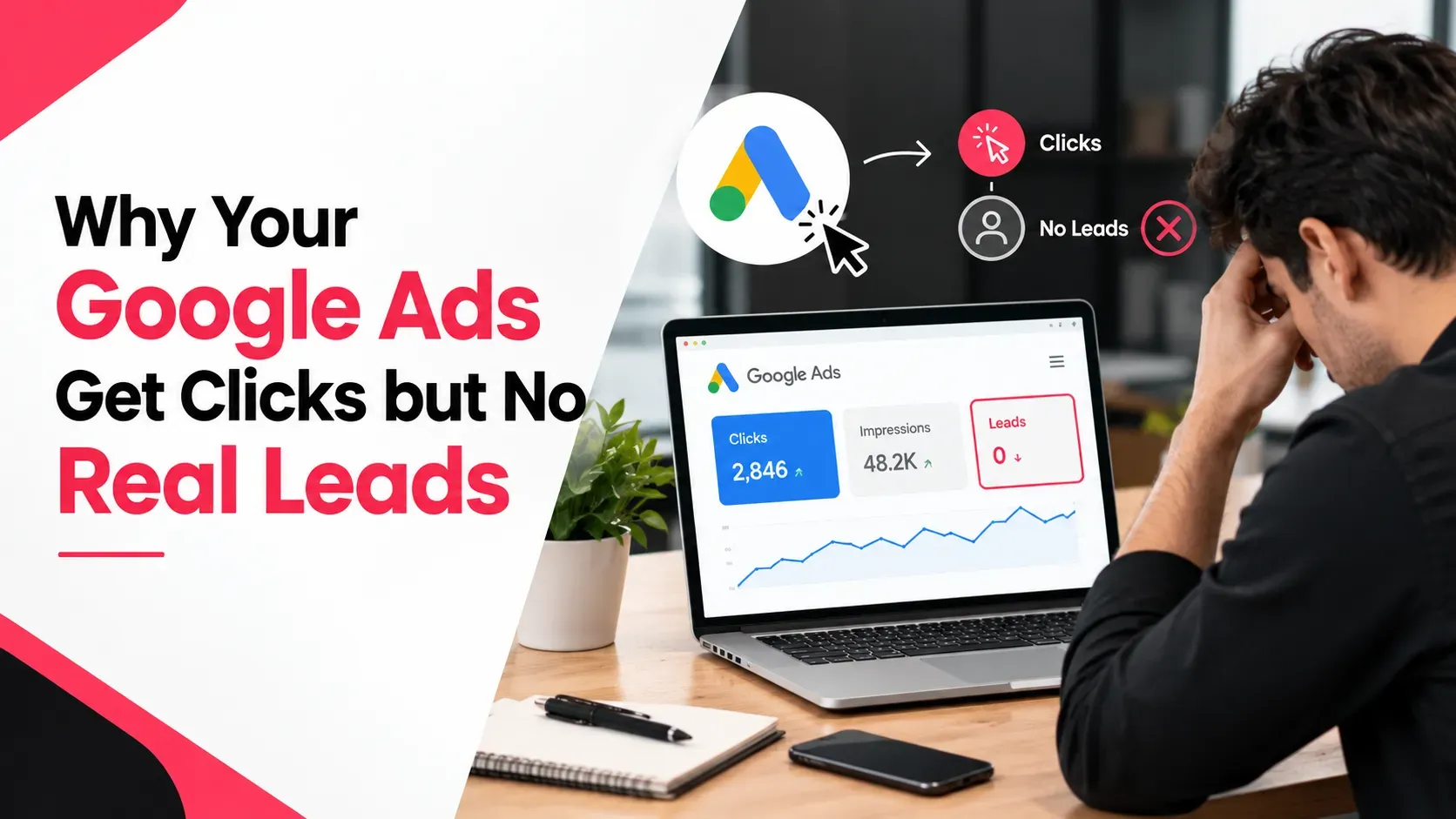
You check your Google Ads account on Thursday. This week you spent AED 600 and got 140 clicks. Your inbox has no new enquiries, and your phone has been quiet.
That feeling is common, and it is rarely about one big mistake. Clicks without leads usually mean a leak somewhere between the ad and the sale. The trick is finding which pipe is leaking instead of changing everything at once.
If you have Google Ads clicks but no leads, this guide gives you nine checks in the right order. Start at the top and stop when you find the problem.
Quick Answer
Google Ads usually get clicks but no leads for one of four reasons: your leads are not being measured, the wrong people are clicking, your page does not convince them, or your team follows up too slowly. Check them in that order. Start with conversion tracking, then your search terms report, then your keywords, landing page and lead handling.
Key Takeaways
- Check measurement first. Sometimes the leads exist, but Google Ads cannot see them.
- The search terms report shows what people actually typed, and it is the fastest way to spot wasted clicks.
- Your ad, keyword and landing page must tell one consistent story.
- Real leads can still be wrong leads, so check quality as well as quantity.
- Do not blame fake clicks first. Google filters invalid clicks and does not charge for them.
Why Do Google Ads Get Clicks but No Leads?
Google Ads get clicks but no leads when the leak is in measurement, traffic, the landing page or follow-up. Clicks only show that your ad was interesting enough to tap. Leads depend on who clicked, what they found and what happened next. Work through each stage in order to find where visitors drop out.
Here are the four places the leak usually sits:
- Measurement: leads happen, but your account does not record them.
- Traffic: people click who were never going to buy.
- The page: the right people arrive, but the page does not convince them.
- Follow-up: enquiries arrive, but they go cold or turn out to be poor quality.
Step 1: Check That Leads Are Actually Being Counted
Before you change a single keyword, confirm that your account can see leads. Google explains that conversion tracking records valuable actions after someone interacts with your ad, such as sign-ups, purchases and phone calls. It can track website actions, calls from your ads, calls to a number on your site, clicks on a number on your mobile site, and offline sales you upload later. You can read the full list in Google's conversion measurement guide.
The "leads exist, but Google can't see them" problem
Many UAE businesses get most enquiries through WhatsApp and phone calls. If your account only tracks form submissions, it may report zero leads while your team is busy.
How to test it yourself
- Submit a test enquiry on your own site and check whether it appears as a conversion.
- Compare numbers. Count the real enquiries you received this week from ads, then compare with what Google Ads reports.
- List every way people contact you: forms, calls, WhatsApp, email and live chat. Make sure each one is tracked.
If the numbers do not match, fix the tracking before you change anything else.
Step 2: Read Your Search Terms Report
This is the quickest way to see whether the wrong people are clicking. The search terms report lists the searches that triggered your ads and how they performed. According to Google, if a search term is not relevant enough to what you offer, you should add it as a negative keyword. You can learn how it works in Google's search terms report guide.
Look for searches like these:
- Free or DIY: "free," "template," "how to do it myself."
- Jobs and training: "jobs," "salary," "course," "training."
- Wrong service or product: something close to what you offer, but not what you sell.
- Research only: "what is," "meaning," "definition."
- Wrong place: locations you do not serve.
Add the clear mismatches as negative keywords. One detail trips people up: Google says negative keywords do not cover close variants, so you may need to add plurals and synonyms yourself.
Step 3: Fix Your Keywords and Match Types
If your search terms look messy, the cause is often the keywords themselves. Broad keywords bring broad traffic, and broad traffic rarely turns into enquiries on a small budget.
Check these points:
- Use buyer words. "Hire," "company," "price" and "near me" signal intent. "Ideas" and "examples" signal curiosity.
- Tighten match types. If broad match is bringing in poor searches, test phrase or exact match.
- Group tightly. One ad group should cover one service.
- Think in two languages. If your customers search in Arabic as well as English, make sure both are covered properly.
If keyword structure feels overwhelming, a PPC management team in Dubai can rebuild the account around the searches that actually bring customers.
Step 4: Check Who Is Seeing Your Ads
Even good keywords can reach the wrong audience. Review these settings:
- Locations. Check where your ads are shown, and look at the location options. Depending on your settings, people who are interested in a place may see your ads, not just people physically there.
- Devices. Compare phones and desktops. If mobile clicks never convert, your mobile page may be the problem.
- Schedule. If your team only answers during office hours, ads at midnight may produce enquiries nobody picks up.
- Languages. Make sure the language settings match your ads.
Small changes here often cut wasted clicks without reducing real leads.
Step 5: Does the Page Match the Ad?
A visitor clicks an ad that promised one thing, lands on a page about something else, and leaves. This is one of the most common reasons for clicks with no leads.
Ask yourself:
- Does the headline repeat what the searcher typed?
- Is the offer in the ad the same as the offer on the page?
- Is there one clear action to take?
Sending paid traffic to a general homepage is a classic mistake. Our guide to optimising Google Ads landing pages covers the details of a page that converts.
Step 6: Remove Friction From the Page
Sometimes the right person lands on the right page and still does not act. Look for friction:
- Slow loading. Test on mobile data, not office Wi-Fi.
- Long forms. Ask only for what you need to follow up.
- No easy contact options. Make the phone number and WhatsApp button obvious.
- Weak trust signals. Add reviews, logos, real photos and clear pricing information where possible.
- Cluttered layout. Remove menus and links that lead away from the offer.
A page built specifically for ad traffic usually beats a repurposed service page. Our landing page design team in Dubai builds pages for exactly this job.
Step 7: Are You Getting Leads, but the Wrong Ones?
Sometimes the account looks healthy: forms come in, calls happen. But the enquiries are poor, such as price shoppers, wrong services or people who never reply.
Fix quality with these moves:
- Add qualifying details. Ask for budget range, timeline or service type in the form.
- State price or minimum order information on the page, so people who cannot afford you opt out.
- Check how fast you respond. Leads cool quickly, and slow follow-up can make good leads look bad.
- Track what happens after the enquiry. Offline conversion imports let you send real sales back to Google Ads, so it can learn which clicks became customers.
Capturing every lead in one place and following up fast matters as much as the ad. We explain how in our post on automating Google Ads leads into a CRM.
Step 8: Check Your Bidding Strategy
Google's bidding systems aim at whatever goal you give them. If that goal is clicks, you will get clicks. If it is a weak action, such as a page view or a button tap, you will get more of those.
Review these points:
- Which conversion actions count? Make sure the ones used for bidding are real leads, such as submitted forms and qualified calls.
- Is there enough data? A few conversions a month gives automated bidding little to learn from.
- Are you optimising for volume or quality? Each needs a different setup.
Changing bidding often makes things worse, so make one change at a time and give it time to show results.
Step 9: Rule Out Invalid Clicks
Many advertisers jump to "my competitors are clicking my ads." It is worth checking, but Google gives clear information. It defines invalid clicks as clicks that do not represent genuine interest in your business, filters them out, and says you will not be charged for them. If it finds some after billing, you receive a credit where appropriate. This is stated in Google Ads Help under its definition of invalid clicks.
Low-quality clicks are not the same as invalid clicks. A person genuinely searching for something you do not sell is a real click. That is a targeting problem, which Steps 2 and 3 fix.
Symptom-to-Cause Cheat Sheet
What you see | Most likely cause | Check first |
|---|---|---|
Clicks, but Google Ads shows zero conversions while you get enquiries | Tracking gap | Step 1 |
Many clicks from searches that look unrelated | Poor keywords or no negatives | Steps 2 and 3 |
Good searches, high bounce, few actions | Page mismatch or friction | Steps 5 and 6 |
Lots of enquiries, few real customers | Wrong audience or slow follow-up | Step 7 |
Conversions rising, but sales are not | Bidding on weak actions | Step 8 |
When Should You Get Help If Google Ads Get Clicks but No Leads?
Fix what you can yourself, especially tracking and negative keywords. Bring in a specialist if you still cannot tell where the leak is, if your tracking involves calls and WhatsApp, or if you are spending enough that each month of guessing costs real money.
If you suspect the numbers cannot be trusted, start with measurement. Our GA4 and tag manager team in Dubai can audit your tracking, so that every lead and call is counted properly.
Frequently Asked Questions
Why does my Google Ads campaign get clicks but no leads?
The usual causes are missing conversion tracking, the wrong search terms, a landing page that does not match the ad, and slow or poor follow-up. Check them in that order, starting with whether your account can actually see your leads.
How do I know if my conversion tracking is working?
Submit a test enquiry and see whether it shows up as a conversion. Then compare the real enquiries you received this week with what Google Ads reports. If calls and WhatsApp are important to you, make sure those are tracked too.
How do I stop irrelevant clicks in Google Ads?
Open your search terms report and add irrelevant searches as negative keywords. Google notes that negatives do not cover close variants, so also add plurals and synonyms. Then tighten your keyword match types.
Can fake or invalid clicks be the reason I get no leads?
It is possible, but unlikely to be the main cause. Google filters invalid clicks and does not charge you for them. Low-quality traffic from irrelevant searches is far more common, and it is fixed through keywords and negatives.
How long should I wait before changing a Google Ads campaign?
Wait until you have enough data to judge, not just a few days of clicks. Fix obvious problems at once, such as broken tracking, but make bigger changes one at a time so you can see what helped.
Final Thoughts
Google Ads clicks but no leads feels like a Google problem, but it is usually a pipeline problem. Measure first, clean up your searches, make the page match the promise and respond quickly. Each fix is small, and together they change the picture.
Work through the nine steps in order, change one thing at a time and keep notes. You will find the leak faster than you expect. If you would like help finding it, that is the kind of problem Milaaj Brandset helps UAE businesses solve every week.
Ready to Elevate Your Brand?
Start Your Project Today