October 19, 2026
Google Shopping Ads for UAE Online Stores: A Setup Guide
Milaaj Editorial / Research Insights
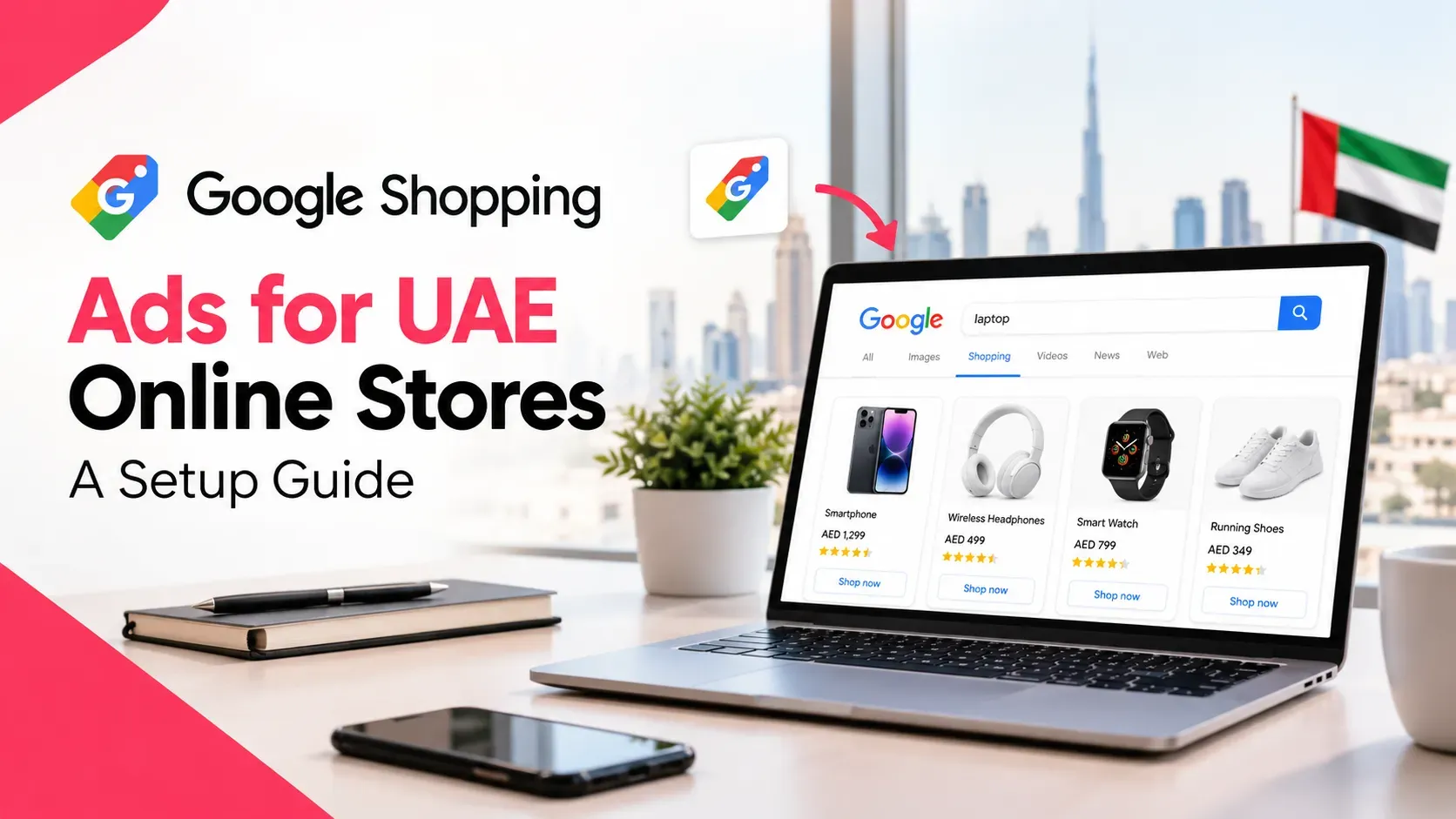
You search for your own product on Google and see it. Not your listing, though. Your competitor's, with a photo, a price and a store name sitting right at the top of the page.
Meanwhile your budget goes into text ads that show no image at all.
Google Shopping ads fix that, but the setup looks technical: Merchant Center, product feeds, disapprovals. This guide walks through Google Shopping ads for UAE online stores in plain steps, so you know what to prepare, what to click and what usually goes wrong.
Quick Answer
To run Google Shopping ads for UAE online stores, create a Google Merchant Center account, verify and claim your website, upload a product feed with accurate prices and availability, add your shipping and returns details, link Merchant Center to Google Ads and launch a Shopping or Performance Max campaign. Then fix any disapproved products.
Key Takeaways
- Shopping ads are built from your product data, not keywords.
- You need three things: a Merchant Center account, a product feed and a linked Google Ads account.
- Google's supported-countries list includes the UAE, with AED as the currency.
- Prices, availability, titles and descriptions in your feed must match your website and checkout.
- Free listings cost nothing to appear in, but Google does not guarantee that products will show.
- Data mismatches are a common cause of disapprovals, so fix your product pages before you scale spend.
What Are Google Shopping Ads?
Google Shopping ads are product listings that show a photo, title, price and store name when someone searches for something you sell. They sit on Google Search, the Shopping tab and other Google surfaces.
Think of them as a shop window on Google. A shopper sees what the product looks like and what it costs before clicking, which a plain text ad cannot show.
How Do Google Shopping Ads Work?
Shopping ads work differently from the text ads you may already run. According to Google, Shopping ads use your Merchant Center product data, not keywords, to decide when to show. Google matches searches to your products using attributes such as title, description and category.
In practice, three pieces fit together:
- Merchant Center is where your product data lives.
- Your product feed is the list of products and details you submit there.
- Google Ads is where you set your budget and bids, using that data.
Google also says more than one of your Shopping ads can appear for the same search, because matching relies on product attributes.
Can You Run Google Shopping Ads for UAE Online Stores?
Yes. Google's supported-countries list includes the United Arab Emirates, with the UAE dirham (AED) as the currency, and marks the Shopping tab as available there. You need a Merchant Center account, a product feed and a linked Google Ads account. Check Merchant Center for any restrictions on what you sell.
Product restrictions vary by country and by item. Google's policies prohibit counterfeit products and misrepresentation, and some categories, such as alcohol or healthcare products, are restricted. You remain responsible for following the laws that apply to the places you target.
What Do You Need Before You Start?
Get these ready before you open Merchant Center. It saves hours of back and forth.
- A working online store that looks clear and professional. Google's policies reject sites that are under construction or cannot be viewed in common browsers.
- Accurate product pages with a clear title, description, price, photo and stock status.
- Prices that match checkout. Outside the US and Canada, Google says to include VAT or GST in the price.
- Product identifiers. Have brand names and GTINs (barcodes) ready for products that have them.
- Shipping details. Know your delivery areas, rates and times.
- A return policy you can state clearly.
- Admin access to your website, domain and Google accounts.
If your store has gaps in these basics, fix them first. A weak product page wastes the click you just paid for.
How Do You Set Up Google Shopping Ads for UAE Online Stores?
Follow these six steps in order.
Step 1: Create Merchant Center and claim your website
Create a Google Merchant Center account for your store. Then verify and claim your website address.
Google explains the difference. Verifying shows you are the website owner, and claiming links your website address to your Merchant Center account. A single URL can be claimed by only one account.
You can verify by email, an HTML tag or file, Google Tag Manager, Google Analytics, or through your e-commerce platform. Google notes that the Analytics method may fail on platforms such as Shopify, where it recommends an HTML tag instead.
Step 2: Build your product feed
Your feed is a structured list of every product you want to advertise. Many platforms can generate one for you. Otherwise, you can build it in a spreadsheet.
If your store runs on Shopify, a Shopify development team in Dubai can set up the product data and tracking so your feed stays accurate as your catalogue changes.
Whichever method you choose, each product needs the required attributes covered later in this guide.
Step 3: Add shipping and returns
Free listings require a return policy and shipping settings. Google says shipping is required in certain countries, including the US, UK, Germany and Japan, so check what Merchant Center asks for in the country you target.
Even where it is optional, accurate shipping information helps shoppers trust the listing.
Step 4: Link Merchant Center to Google Ads
Your Merchant Center and Google Ads accounts must be linked before Shopping campaigns can use your product data. Do this from your account settings.
Step 5: Choose your campaign type
You can run a standard Shopping campaign or a Performance Max campaign. The section below compares them.
Step 6: Launch and review product issues
After you submit your feed, Merchant Center reviews it and flags problems. Fix errors on your website or feed, then resubmit. Do not scale your budget until most of your products are approved.
What Product Data Gets Approved?
Google's product data specification lists the required attributes. Here is a practical version.
Attribute | What to provide | Tip |
|---|---|---|
id | A unique code for each product | Use one code per product |
title | The product name | Match your product page title |
description | A clear description | Match your product page |
link | The product page URL | Send shoppers straight to the product |
image link | A clear product photo | Show the item itself |
price | The price in AED | Match checkout, and include VAT |
availability | In stock, out of stock or preorder | Update it as stock changes |
brand | The manufacturer brand | Required for most new products |
GTIN | The barcode number | Google strongly recommends it where available |
If a product has no GTIN, Google says to provide an MPN instead. Clothing and products with variants need extra attributes, such as size, colour and item group.
The golden rule from Google: title, description, availability and price in your feed should match your landing page, checkout and structured data.
Shopping Campaign or Performance Max?
Both use your product feed. They differ in how much control you keep.
Factor | Shopping campaign | Performance Max |
|---|---|---|
Where ads can appear | Shopping tab, Google Search, Images and Search Partners (if enabled) | Across most Google channels, including YouTube, Display, Gmail, Search and Maps |
Bidding options | Maximize Clicks, Target ROAS, Maximize conversion value, Manual CPC | Maximize conversion value or conversions, with an optional target |
Control | More direct control over bids | More automation across channels |
Good fit | Stores that want clear product-level control | Stores with solid conversion tracking that want Google's automation |
A common approach is to start with a Shopping campaign to learn which products sell, then test Performance Max once tracking is reliable. Pick the one that matches how much control you want and how good your data is.
Why Do Product Listings Get Disapproved?
Disapprovals are normal. They are also fixable. The usual causes are:
- Price mismatch. The feed says AED 199, but the product page or checkout says something else.
- Availability mismatch. The feed says "in stock" but the page says sold out.
- Missing identifiers. Products without a brand, GTIN or MPN where one is expected.
- Poor landing pages. Google's policies reject sites that are not clear and professional.
- Policy violations. Counterfeit goods, misleading claims or restricted items.
- Display URL problems. The web address shown does not match the landing page.
Google also warns that repeated or serious violations can lead to account suspension, so treat warnings seriously.
Most of these start on the website itself. Our guide to product page optimization for e-commerce shows how to get titles, images and details right once, so your feed and your page agree.
What Happens After the Click?
A Shopping ad only gets someone to your product page. Whether they buy depends on what they find there.
Check these on every product page that receives paid traffic:
- A clear photo, price and stock status
- Delivery cost and time visible without scrolling far
- Easy returns information
- A simple, fast checkout
- A mobile layout that works on a phone
Fix these first, and every dirham you spend on ads works harder. Our article on how to increase e-commerce conversion rates covers the changes that tend to help most.
How Do You Measure and Improve Shopping Ads?
Clicks are not sales. Measure what matters.
- Track purchases as conversions, with the real order value.
- Compare products. Which ones get clicks, and which ones get sales?
- Check your margins. A product that sells but loses money after ad costs is not working.
- Review search terms and product groups regularly.
- Fix data issues as soon as they appear.
Set conversion tracking up properly before you spend heavily. A team offering GA4 and GTM services in Dubai can confirm that your purchase events and values are recorded correctly.
Free listings are worth turning on as well. Google says free listings show your products at no cost across Search, Maps, Shopping and other surfaces, though enabling them does not guarantee your products will appear.
Should You Run Shopping Ads Yourself or Get Help?
Run them yourself when you have a small catalogue, a store platform that generates a clean feed and someone with time to monitor disapprovals and results.
Get help when you have hundreds of products, feed errors you cannot trace, several Google accounts to untangle or no reliable conversion tracking. Milaaj Brandset recommends a short check of your feed, product pages and tracking before any paid spend, so you fix problems while they are cheap.
Frequently Asked Questions About Google Shopping Ads in the UAE
What are Google Shopping ads and how do they work?
Google Shopping ads are product listings with a photo, title, price and store name. They are matched to searches using the product data you submit to Google Merchant Center, not keywords, and you pay per click on a Shopping campaign.
Can UAE online stores use Google Shopping ads?
Yes. Google's supported-countries list includes the United Arab Emirates, with AED as the currency. You still need to follow Google's Shopping policies and check any restrictions that apply to your products.
Do I need a Google Merchant Center account?
Yes. Shopping ads use product data from Merchant Center. You also need a product feed and a linked Google Ads account to run paid Shopping campaigns.
Are Google Shopping free listings really free?
Yes, free listings let your products appear at no cost. But Google says it relies on your data to match products with searches, and turning on free listings does not guarantee your products will show.
Should I use a Shopping campaign or Performance Max?
Use a Shopping campaign if you want more direct control over bids and product groups. Use Performance Max if your conversion tracking is solid and you want Google's automation across more channels. A common approach is to start with Shopping, then test Performance Max.
Final Thoughts
Google Shopping ads for UAE online stores reward preparation. Get your product pages accurate, build a clean feed, claim your website and fix disapprovals early. After that, you can scale with confidence instead of guessing.
Start small, track real sales and let your product data improve over time. If you would like a team to set up your feed, campaigns and tracking, our PPC services in Dubai can build and manage Shopping campaigns around your best-selling products.
The shopper who sees your product at the top of Google tomorrow could just as easily have seen your competitor's. Now you know how to be the one they see.
Ready to Elevate Your Brand?
Start Your Project Today