November 9, 2026
Odoo POS for Retail and Restaurants in the UAE
Milaaj Editorial / Research Insights
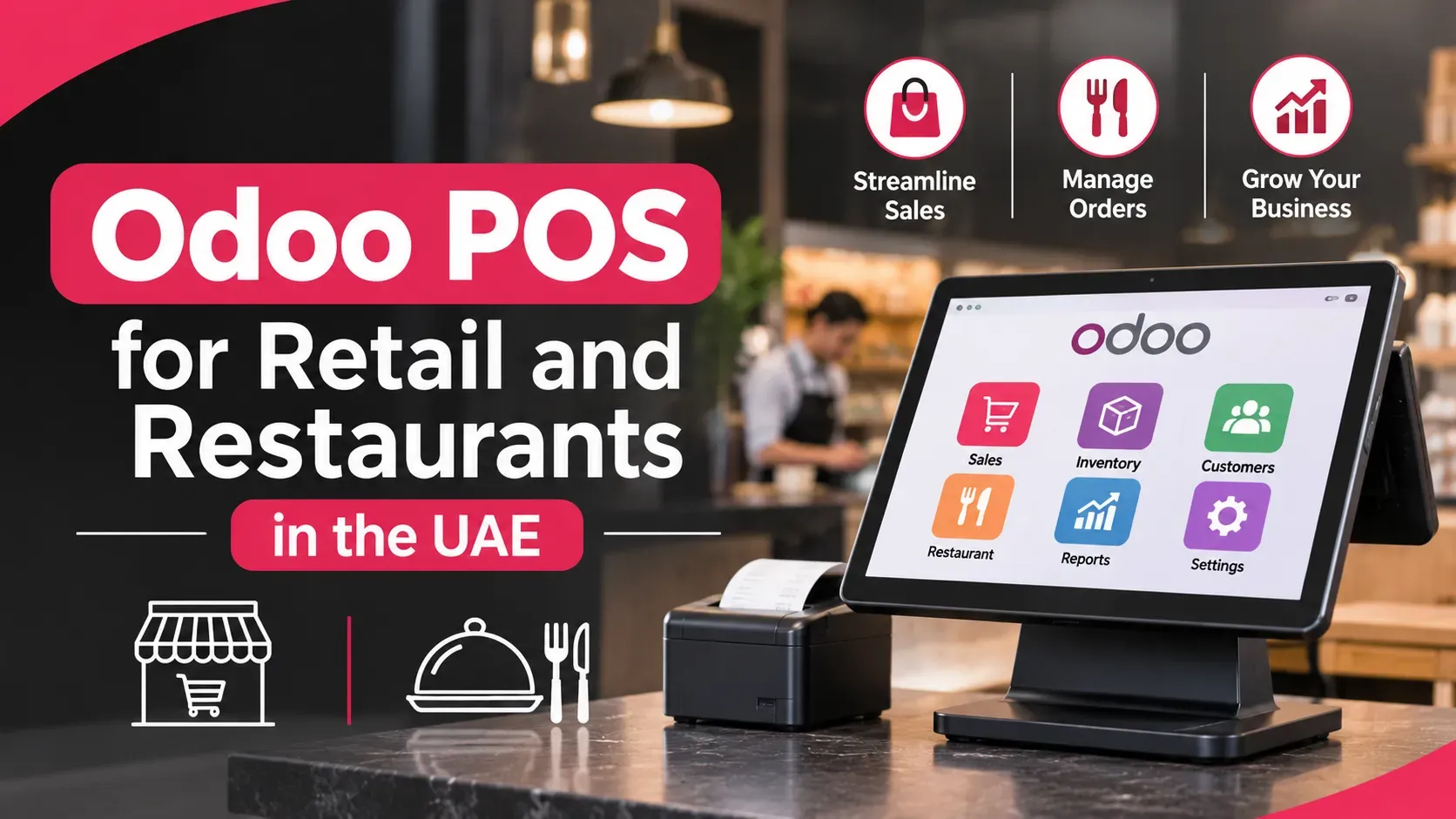
It is closing time. The till says one total, the stock sheet says another, and your accountant is asking which VAT figure is right. Nobody is wrong exactly. Your point of sale, your stock and your books simply do not talk to each other.
That gap is why many shops and restaurants look at Odoo POS UAE setups. This guide explains what Odoo's point of sale does, how it handles UAE VAT and receipts, which card terminals to check, where restaurants need extra care, and what to confirm before you commit.
Quick Answer
Odoo POS is the point-of-sale app inside Odoo. It runs in a web browser, records sales, refunds and cash, and posts stock and accounting entries automatically. For the UAE it works with Odoo's UAE localisation, which includes 5% VAT taxes. Card terminals, Arabic receipts and restaurant features need checking with your partner before you buy.
Key Takeaways
- Odoo POS runs on any device with a browser, and Odoo's documentation says it works even when you are temporarily offline.
- Sales update stock automatically, and refunds create credit notes.
- UAE VAT taxes come with Odoo's localisation, but receipt formats and card terminals need confirming locally.
- Restaurant features are not covered on Odoo's main POS documentation page, so test them before you commit.
- Always confirm the edition, terminals and receipt layout in writing before rollout.
What Is Odoo POS?
Odoo POS is a point-of-sale application that sits inside the Odoo business suite. Cashiers open a session, add products to a basket, apply discounts and take payment. Because it shares a database with Odoo's inventory and accounting, each sale updates your stock and books without re-typing anything.
In plain terms, it replaces a standalone till that needs a separate stock sheet and a separate accounting export.
Odoo POS UAE: What Can It Do for Retail and Restaurants?
Odoo POS handles the everyday work of a shop counter: sales, discounts, returns, cash control and reporting. Odoo's own documentation describes these abilities in its point of sale documentation, which is the source for the list below.
- Selling: open a session, add products, change quantities, apply discounts or price changes and check out.
- Any device: it works on any device with a web browser, even if you are temporarily offline.
- Stock: product moves are registered in your stock automatically.
- Refunds: returns are processed from an existing order, and Odoo generates the credit note.
- Cash control: record cash in and out, count the drawer and close the session.
- Customers: registered customers can earn loyalty points and rewards and receive pricelists and invoices.
- Multi-shop reporting: data is consolidated across shops, with real-time statistics.
That page does not cover restaurant tables, kitchen display, hardware, payment terminals or edition differences. We cover those below, and we flag which claims come from vendors instead of Odoo.
Odoo POS UAE: How Does It Handle VAT and Receipts?
Odoo's UAE localisation provides the tax foundation, and receipt behaviour is a point to verify. Odoo's UAE fiscal localisation guide describes the l10n_ae package as including accounts, taxes and reports, with 5% VAT tax settings and two add-ons for accounting reports and the corporate tax report.
Two cautions from that page:
- Arabic support applies to invoices, which can be produced in English, Arabic or both. It does not say the same for POS receipts.
- It does not mention an FTA VAT return or e-invoicing.
An implementation firm, Brainvire, reports on its blog that a UAE POS module adds local receipt behaviour: a full tax invoice when the customer record has a TRN, a simplified tax invoice when it does not, and a Gulf format that prints Arabic as a second language. That is a vendor's description, so ask your partner to demonstrate it on your own Odoo version.
Compliance does not stop at the till. The e-invoicing rules are moving, and your system needs to be ready for them. Our guide to UAE e-invoicing readiness for your ERP explains what to prepare.
Which Card Terminals Work With Odoo POS in the UAE?
Card payments are where UAE projects most often run into trouble. Odoo's main POS page does not list supported terminals, and Odoo's payment-methods page was not available to read when we researched this article. The best information we found comes from Brainvire's blog, so treat it as a lead to verify and not a final answer.
Terminal question | What the vendor blog reports |
|---|---|
Native card-present integration for the UAE | Adyen is the only one it confirms, and it may need minimum volumes |
Stripe terminals | Not available in the UAE |
Network International, Checkout.com, Telr | Not in Odoo's native lists, so they need a standalone terminal or a custom connector |
QR bank-app payments | Supported as a payment option, but not a replacement for a card terminal |
A standalone terminal means the cashier takes the card payment on the machine and records it in Odoo manually. That works, but it adds a step and a risk of mismatch at closing.
Before you choose, ask your bank which terminal it supplies, then ask your partner how it will connect. A team that handles ERP solution development in Dubai can check this against your acquirer before you buy hardware.
Does Odoo POS Work for Restaurants?
Odoo can be used for restaurants, but the evidence we found comes from a vendor. Glorium Technologies, an Odoo partner, describes a Dubai restaurant chain with three locations that used Odoo 18 Enterprise. Servers took orders on tablets, orders synced to kitchen screens, and the chain added online ordering and banquet booking.
Read that case study with care. It is the partner's own marketing, its results have no stated baselines, and it does not describe table management as implemented. Odoo's main POS page does not cover tables or kitchen display either.
If you run a restaurant, test these in a demo before signing:
- Table plans and splitting a bill.
- Sending orders to a kitchen screen or printer.
- Modifiers, such as "no onions".
- Service charge and VAT handling on the bill.
- Integration with delivery platforms and your own online ordering.
If a hotel system or a dedicated restaurant platform already owns the bill, the Brainvire article suggests integrating payments there instead of in Odoo POS.
What Are the Limits of Odoo POS?
Odoo POS is flexible, but it is not a plug-and-play till for every business. Plan around these limits:
- Edition: we could not confirm which Odoo edition the POS and restaurant features require. Check before you budget.
- Terminals: native integrations are limited in the UAE, as shown above.
- Receipts: Arabic receipts and tax-invoice wording need configuration and testing.
- Hardware: the main documentation page does not list printers, scanners or cash drawers.
- Compliance: VAT and e-invoicing rules change, so keep your setup under review.
The edition question affects cost more than most people expect. Our comparison of Odoo Community and Enterprise in the UAE explains how to approach it.
How Should You Plan an Odoo POS Rollout?
Treat the first branch as a pilot, not a full launch. A practical order:
- Clean your product data: names, barcodes, prices, categories and VAT treatment.
- Set up taxes and receipts: test a printed receipt with a TRN customer and without one.
- Choose the card terminal early: confirm the connection method with your bank and partner.
- Load opening stock: a wrong count means every report will be wrong.
- Train cashiers: practise sales, refunds, cash in and out, and closing.
- Run one branch for a few weeks, then compare till totals, stock and accounts.
- Roll out to other branches once the closing routine matches.
If you want help with data, setup and cashier training, an Odoo implementation partner in Dubai can plan the pilot with you.
Frequently Asked Questions
Does Odoo POS support UAE VAT receipts?
Odoo's UAE localisation includes 5% VAT taxes. A vendor blog reports a UAE POS module that prints a full tax invoice for customers with a TRN and a simplified one without. Ask your partner to demonstrate it on your version.
Can Odoo POS print Arabic receipts?
Odoo's UAE page says Arabic output applies to invoices, not receipts. A vendor blog reports a Gulf receipt format that prints Arabic as a second language. Test a real printed receipt before launch.
Which card terminals work with Odoo POS in the UAE?
One vendor blog says Adyen is the only native card-present integration it confirms for the UAE, and that other acquirers need a standalone terminal or custom connector. Confirm with your bank and your partner before buying hardware.
Does Odoo POS work offline?
Odoo's documentation says the app works on any device with a web browser, even if you are temporarily offline. Ask your partner exactly what is available offline, such as card payments and receipts, in your setup.
Can Odoo POS run a restaurant with a kitchen display?
A Dubai restaurant case study from an Odoo partner describes tablets for servers and kitchen screens in Odoo 18 Enterprise. Odoo's main POS page does not cover these features, so test tables, bill splitting and the kitchen display in a demo first.
Final Thoughts
Odoo POS UAE projects work best when you treat the till, the stock and the books as one system. The software can connect them, but the details that decide success are local: VAT receipts, Arabic, card terminals and your closing routine.
Confirm those details in writing, pilot one branch and compare the numbers before you roll out. Do that, and closing time stops being a guessing game. If you would like a partner to plan it with you, that is the kind of project Milaaj Brandset takes on with UAE businesses every week.
Ready to Elevate Your Brand?
Start Your Project Today