July 17, 2026
Website Accessibility Best Practices for Businesses
Milaaj Editorial / Research Insights
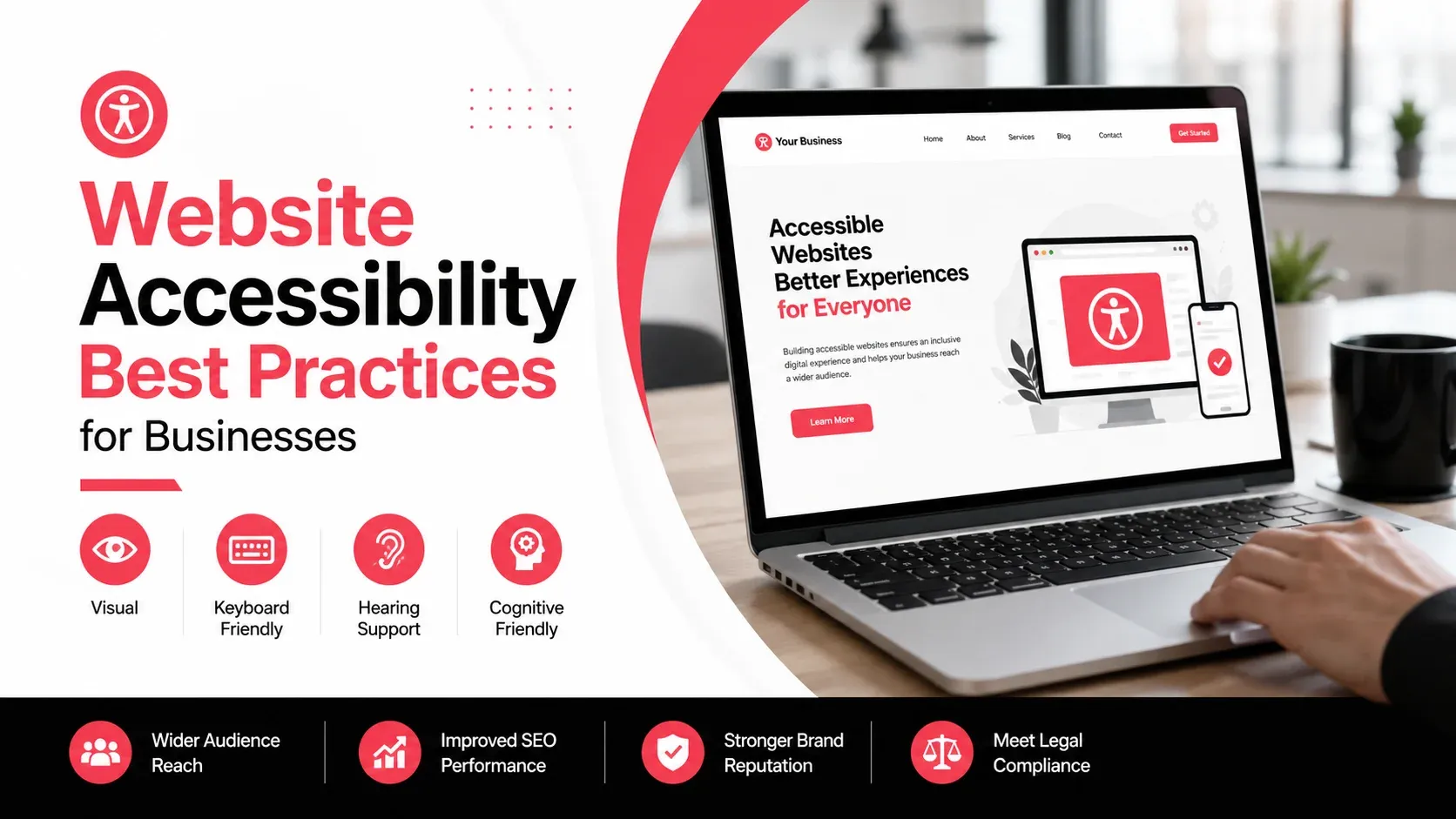
A successful website should be easy for everyone to use, regardless of their abilities or the device they're using. Website accessibility ensures that people with visual, auditory, motor, or cognitive impairments can navigate, understand, and interact with your content effectively. Beyond supporting inclusivity, accessible websites often provide a better experience for all users.
Many accessibility improvements also enhance usability, making websites easier to navigate, faster to understand, and more intuitive. Clear headings, descriptive links, readable text, and keyboard-friendly navigation benefit every visitor—not just those using assistive technologies.
This guide explores practical website accessibility best practices that help businesses create more inclusive digital experiences while improving overall website quality.
Quick Answer
Website accessibility involves designing and developing websites so that everyone, including people with disabilities, can use them effectively. Following accessibility best practices such as using proper heading structures, descriptive alt text, sufficient color contrast, keyboard navigation, and accessible forms creates a better experience for all visitors.
What Is Website Accessibility?
Website accessibility refers to the practice of making digital content usable for people with different abilities and accessibility needs.
An accessible website allows users to:
- Navigate using a keyboard
- Use screen readers effectively
- Read content comfortably
- Complete forms without unnecessary barriers
- Access information regardless of device or ability
Accessibility is not a single feature but an ongoing approach to designing and maintaining user-friendly websites.
Why Accessibility Matters for Businesses
Accessibility improves more than compliance, it improves the overall user experience.
Benefits include:
- Better usability for all visitors
- Improved customer satisfaction
- Wider audience reach
- Lower barriers to engagement
- Better content organization
- Increased trust in your business
Many accessibility improvements also contribute to cleaner website structure and easier navigation.
Essential Website Accessibility Best Practices
The following practices help create websites that are easier to use for a broader range of visitors.
Accessibility Practice | Benefit |
|---|---|
Semantic HTML | Improves navigation for assistive technologies |
Alt Text | Makes images understandable for screen readers |
Color Contrast | Improves readability |
Keyboard Navigation | Supports users who cannot use a mouse |
Accessible Forms | Reduces form completion barriers |
Proper Heading Structure | Organizes content clearly |
Captions and Transcripts | Makes multimedia more accessible |
Use Proper Heading Structure
Headings help visitors understand the organization of your content.
Use headings in a logical hierarchy:
- One H1 for the page title
- H2 headings for major sections
- H3 headings for supporting subsections
Avoid skipping heading levels purely for visual styling.
A consistent structure improves readability while helping assistive technologies interpret page content correctly.
Add Descriptive Alt Text for Images
Alternative text (alt text) describes the purpose or content of an image.
Good alt text helps screen reader users understand information that would otherwise only be available visually.
For example:
Less Helpful
More Helpful
Decorative images that don't provide meaningful information can use empty alt attributes so screen readers skip them.
Maintain Sufficient Color Contrast
Text should remain easy to read regardless of screen size or lighting conditions.
Poor contrast between text and background can make content difficult for many users.
Some general recommendations include:
- Dark text on light backgrounds
- Avoiding low-contrast color combinations
- Ensuring buttons remain clearly visible
- Using color alongside icons or labels rather than relying on color alone
Readable content improves accessibility for everyone.
Make Your Website Keyboard Friendly
Not every visitor uses a mouse or touchscreen.
Many users navigate websites entirely with a keyboard or assistive technology.
Ensure visitors can:
- Access menus
- Open navigation
- Complete forms
- Activate buttons
- Move through interactive elements
Keyboard navigation should follow a logical and predictable order throughout the website.
Design Accessible Forms
Forms are often the most important interaction on a business website.
An accessible form should include:
- Clear field labels
- Helpful instructions
- Easy-to-understand error messages
- Logical tab order
- Sufficient spacing between fields
Visitors should always understand what information is required and how to correct any mistakes.
Businesses investing in accessible website design can improve both usability and form completion rates by reducing unnecessary friction during these interactions.
Write Clear and Readable Content
Accessibility also applies to written content.
Improve readability by:
- Using simple language where appropriate
- Keeping paragraphs concise
- Breaking information into sections
- Using bullet lists when helpful
- Avoiding unnecessary jargon
Well-structured content benefits readers using assistive technologies as well as those scanning pages quickly.
Create Meaningful Link Text
Links should clearly describe where they lead.
Instead of using vague phrases like:
- Click here
- Read more
- Learn more
Use descriptive text such as:
- View our pricing guide
- Explore our service offerings
- Download the accessibility checklist
Meaningful links improve navigation for both users and screen readers.
Make Multimedia Accessible
Videos, podcasts, and other multimedia content should be usable by as many people as possible.
Consider including:
- Captions for videos
- Transcripts for audio content
- Clear playback controls
- Descriptive video titles
These improvements benefit not only users with hearing impairments but also people watching content in quiet environments or without sound.
Design for Different Devices and Screen Sizes
Accessibility extends beyond assistive technologies.
Your website should remain easy to use across:
- Smartphones
- Tablets
- Laptops
- Desktop computers
Responsive layouts, flexible text sizing, and touch-friendly navigation help ensure visitors have a consistent experience regardless of their device.
Common Website Accessibility Mistakes
Many accessibility issues can be prevented by reviewing your website regularly.
Mistake | Better Approach |
|---|---|
Missing image alt text | Add descriptive alternative text where needed |
Poor color contrast | Use readable color combinations |
Skipping heading levels | Follow a logical heading hierarchy |
Forms without labels | Clearly label every input field |
Keyboard navigation issues | Ensure all interactive elements are keyboard accessible |
Generic link text | Use descriptive, meaningful link text |
Addressing these issues improves usability while making your website more inclusive.
How to Test Website Accessibility
Accessibility should be evaluated throughout the design and maintenance process rather than only before launching a website.
Useful testing methods include:
- Navigating your website using only a keyboard
- Testing pages with screen readers
- Checking color contrast
- Reviewing heading hierarchy
- Verifying form accessibility
- Using automated accessibility testing tools
Combining automated checks with manual testing provides a more complete understanding of how accessible your website is.
If you're already reviewing overall website usability, a technical website audit can also help identify structural issues that affect accessibility, performance, and user experience.
Key Takeaways
- Website accessibility helps create inclusive digital experiences for all users.
- Proper heading structures improve navigation and content organization.
- Descriptive alt text makes images accessible to screen readers.
- Good color contrast improves readability.
- Keyboard-friendly navigation supports users who cannot use a mouse.
- Accessible forms reduce barriers to completing enquiries and other actions.
- Regular accessibility testing helps maintain a user-friendly website over time.
Accessibility Benefits Every Visitor
Website accessibility isn't just about meeting guidelines, it's about creating digital experiences that everyone can use with confidence. Small improvements such as better navigation, clearer content, and accessible forms make websites easier to use for all visitors while supporting stronger engagement and better overall usability.
As your website grows, accessibility should remain an ongoing priority rather than a one-time project. Regular reviews and continuous improvements help ensure your content remains usable, inclusive, and effective for every visitor.
Milaaj Brandset helps businesses build user-friendly websites and digital experiences that prioritize usability, accessibility, and long-term performance.
FAQs
What is website accessibility?
Website accessibility is the practice of designing and developing websites so that people of all abilities, including those using assistive technologies, can access and interact with digital content effectively.
Why is website accessibility important?
Accessibility improves usability, expands your potential audience, supports a better user experience, and helps ensure that visitors can navigate and use your website without unnecessary barriers.
What is alt text?
Alt text is a written description added to images so screen readers can explain their purpose or content to users who cannot see them.
Why is keyboard navigation important?
Some users rely entirely on a keyboard or assistive technology instead of a mouse. Keyboard accessibility ensures they can navigate menus, forms, and interactive elements successfully.
Does accessibility improve SEO?
Many accessibility best practices, such as logical heading structures, descriptive image alt text, readable content, and clear navigation, also support better website organization and can contribute to improved search engine understanding.
How often should accessibility be reviewed?
Review accessibility regularly, especially after major website updates, redesigns, or when adding new content and interactive features.
Ready to Elevate Your Brand?
Start Your Project Today