October 31, 2026
What Is an ERP System? A Plain-English Guide for Business Owners
Milaaj Editorial / Research Insights
Every Friday, you spend an hour making three things agree. The orders live in one spreadsheet, the stock in another, and the invoices sit in your accounting app. Somebody always forgets to update one of them.
Then a supplier, an accountant or a software salesperson says, "You need an ERP." Nobody explains what that means, and the word sounds like something built for giant corporations.
It is not. This guide explains what an ERP system is in plain English, what it includes, who needs one and what to ask before you buy.
Quick Answer
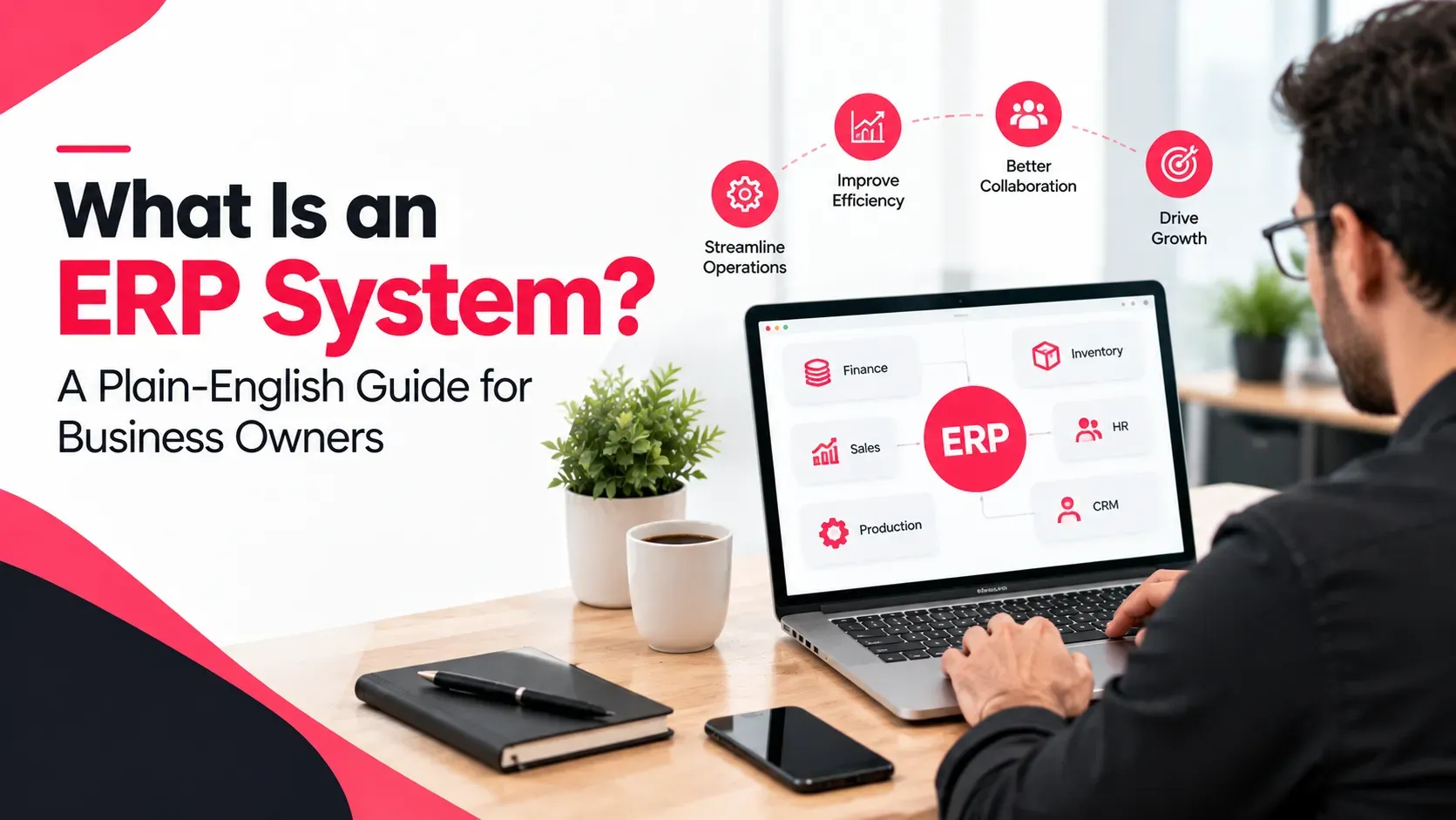
An ERP system is business software that manages your core activities, such as accounting, sales, stock, purchasing and HR, in one place with one shared database. Instead of separate spreadsheets and apps that you have to reconcile by hand, every department works from the same live information. ERP stands for enterprise resource planning.
Key Takeaways
- ERP means enterprise resource planning: one system for your core business processes.
- Its main idea is a single shared database, so a change in one area updates the others.
- Common modules include finance, sales, inventory, purchasing, HR and reporting.
- ERP is not only for large companies. Systems exist for small, mid-sized and large businesses.
- You can run ERP in the cloud or on your own servers, and the choice affects cost and speed.
What Is an ERP System?
An ERP system is software designed to manage and integrate the functions of core business processes in a single system. Oracle puts it simply like: software that organisations use to manage day-to-day business activities.
What ERP stands for
ERP stands for enterprise resource planning. The "resources" are the things your business runs on: money, stock, people, orders and suppliers. The "planning" is keeping track of all of them so you can make decisions with accurate information.
A simple analogy
Imagine five people in your company each keep a private notebook. Sales has one, the warehouse has one, accounts has one, and so on. Every time something happens, someone has to copy it into the other notebooks.
An ERP system replaces the five notebooks with one shared notebook that everyone writes in and reads from. When sales records an order, the warehouse and accounts can see it straight away.
How Does an ERP System Work?
An ERP system works by keeping all your business data in one central database and giving each department a module to work with that data. TechTarget calls this central database a "single source of truth." The modules talk to each other, so an action in one place updates related records elsewhere.
Here is a simple example of one sale:
- Sales records an order for 10 laptops.
- Inventory reduces stock by 10 automatically.
- Accounts raises the invoice and records the amount owed.
- Purchasing gets an alert if stock falls below your minimum level.
- Reports show the new sales and stock figures straight away.
Nobody retyped anything, and nothing got out of sync.
What Are the Main ERP Modules?
A module is one section of the system that handles a particular job. You can usually start with the modules you need most and add others later. These are the common ones, according to TechTarget:
Module | What it does |
|---|---|
Finance and accounting | Handles invoicing, payments, forecasting and financial reports |
Sales and CRM | Tracks customers, quotes and orders |
Inventory and warehouse | Tracks stock levels and movements |
Purchasing and procurement | Manages suppliers and purchase orders |
Human resources | Keeps employee records, benefits and payroll |
Manufacturing and supply chain | Plans production and supplies, where relevant |
Reporting and analytics | Shows live figures across the business |
Not every business needs every module. A trading company might use sales, inventory, purchasing and accounting, while a service business might focus on projects, time tracking and invoicing. A development team that builds around your processes, such as our ERP solution development team in Dubai, can help you decide which modules to start with.
What Is an ERP System Used For in a Business?
Businesses use an ERP system to remove the daily friction of disconnected tools. In practice, it helps with problems like these:
- Double entry. The same order is typed into two or three places.
- Errors. A wrong number in one spreadsheet leads to wrong decisions elsewhere.
- Late reports. Someone has to compile figures by hand before you can see them.
- No single view. Nobody can see stock, sales and cash in one place.
- Slow growth. Systems that worked at 10 orders a week break at 100.
Oracle lists the benefits as better real-time reporting, lower costs through streamlined processes, stronger collaboration and better data integrity and financial controls. Those claims come from a software vendor, so treat them as the pitch, but they match the problems above.
ERP vs Accounting Software vs CRM: What's the Difference?
These three get mixed up often. Here is how they differ:
System | Main job | What it usually covers |
|---|---|---|
Accounting software | Records money in and out | Invoices, expenses, bank reconciliation, tax |
CRM | Manages customer relationships | Leads, deals, contacts, follow-ups |
ERP | Runs the whole operation | Accounting, sales, stock, purchasing, HR and more, in one database |
Many ERP systems include accounting and CRM as modules, so you do not always need to choose between them. The difference is that ERP connects them to the rest of your operations.
Does Your Business Need an ERP System?
You may be ready for ERP if several of these sound familiar:
- You use different tools for sales, stock and accounting that do not talk to each other.
- You spend hours reconciling figures every week or month.
- You discover stock problems only after a customer complains.
- Reports take days to produce, and you do not trust them.
- You are adding staff, locations or product lines, and spreadsheets are strained.
- Compliance work, such as VAT or e-invoicing, is becoming harder to manage by hand.
If you have one or two of these, you may only need better processes or a single upgrade. If you have most of them, an ERP is worth a serious look.
Cloud vs On-Premises ERP
ERP can be installed on your own servers (on-premises), hosted by the vendor and accessed online (cloud), or a mix of both (hybrid). TechTarget describes the usual trade-offs this way:
Option | Typical cost model | Typical speed |
|---|---|---|
Cloud | A subscription, with lower upfront costs | Implementation is generally faster |
On-premises | An upfront licence fee | The longest implementation, sometimes years |
Hybrid | A mix | Depends on what runs where |
These are general patterns. Your own costs and timeline depend on the system, the size of your business and the amount of customisation. If you are weighing hosting options, our cloud services team in Dubai can explain what suits your setup.
Why Are UAE Businesses Looking at ERP Now?
Several local pressures push UAE businesses towards ERP. VAT and corporate tax add record-keeping duties. Many companies also sell across emirates and countries, and manage multiple currencies and locations.
The biggest recent driver is electronic invoicing. The UAE is moving businesses to structured e-invoices, and that is hard to do from spreadsheets. We explain what to check in our guide to e-invoicing and ERP readiness in the UAE. Because the rules and dates have been developing, check the latest details there before you plan.
How Much Does an ERP System Cost, and How Long Does It Take?
There is no single price, and anyone who quotes one without asking questions is guessing. Cost depends on:
- The number of users.
- The modules you choose.
- Cloud or on-premises hosting.
- How much customisation you need.
- How clean your existing data is, since moving data takes effort.
Cloud systems usually cost less to start and go live faster. On-premises systems cost more up front and can take far longer. For a UAE-specific view, our breakdown of Odoo implementation costs in the UAE shows what typically drives the price.
How Do You Choose an ERP System?
Start with your problems, not the product list. Then ask each vendor:
- Which of my current problems does this system solve first?
- Which modules do I need now, and which can wait?
- Is it cloud, on-premises or hybrid, and what does that mean for cost?
- How is my existing data moved across, and who does it?
- What training and support are included?
- Can it handle UAE needs, such as VAT, multiple currencies, Arabic and e-invoicing?
- What does it cost in year one and in year three?
Oracle notes that ERP serves enterprises, mid-sized businesses and small businesses, so there should be an option at your scale. Its overview of what ERP is is a good place to compare how vendors describe their offerings, as long as you remember that vendors are selling.
Ready to Explore ERP for Your Business?
Write down the three most painful tasks in your week, the tools involved and the number of people who touch them. That list tells any vendor exactly what you need. When you are ready to see how it could work for you, our Odoo implementation team in Dubai can walk you through a realistic plan.
Frequently Asked Questions
What does ERP stand for?
ERP stands for enterprise resource planning. It means software that brings your core business processes, such as accounting, sales, stock and HR, into one system. The "resources" are your money, stock, people and orders.
What are the main modules of an ERP system?
Common modules include finance and accounting, sales and CRM, inventory, purchasing, human resources, manufacturing and supply chain, and reporting. You can usually start with the ones you need most and add others later.
Do small businesses need an ERP system?
Not always. If your spreadsheets and apps work and your numbers are reliable, you may not. If you spend hours reconciling data, miss stock problems or struggle to grow, a small-business ERP can help. Systems exist for small, mid-sized and large businesses.
What is the difference between ERP and accounting software?
Accounting software records money in and out. An ERP system includes accounting, but also connects sales, stock, purchasing and HR in one database. If accounting is your only problem, accounting software may be enough.
Should an ERP be in the cloud or on your own servers?
Cloud ERP usually has lower upfront costs and faster implementation, while on-premises ERP has an upfront licence fee and often takes longer. Hybrid mixes both. The right choice depends on your budget, your team and how much customisation you need.
Final Thoughts
If you came here asking what is an ERP system, the short answer is this: one shared system that keeps your sales, stock, money and people in step. It is not a magic fix, and it is not only for big companies. It is a way to stop retyping the same information and start trusting your numbers.
Begin with your biggest headache, choose modules to match and ask direct questions about cost and support. Do that, and the word ERP stops sounding scary and starts sounding useful. If you would like a partner to help you work out what you need, that is the kind of conversation Milaaj Brandset has with UAE business owners every week.
Ready to Elevate Your Brand?
Start Your Project Today