October 7, 2026
WordPress vs Next.js for Business Websites: Which Should You Choose?
Milaaj Editorial / Research Insights
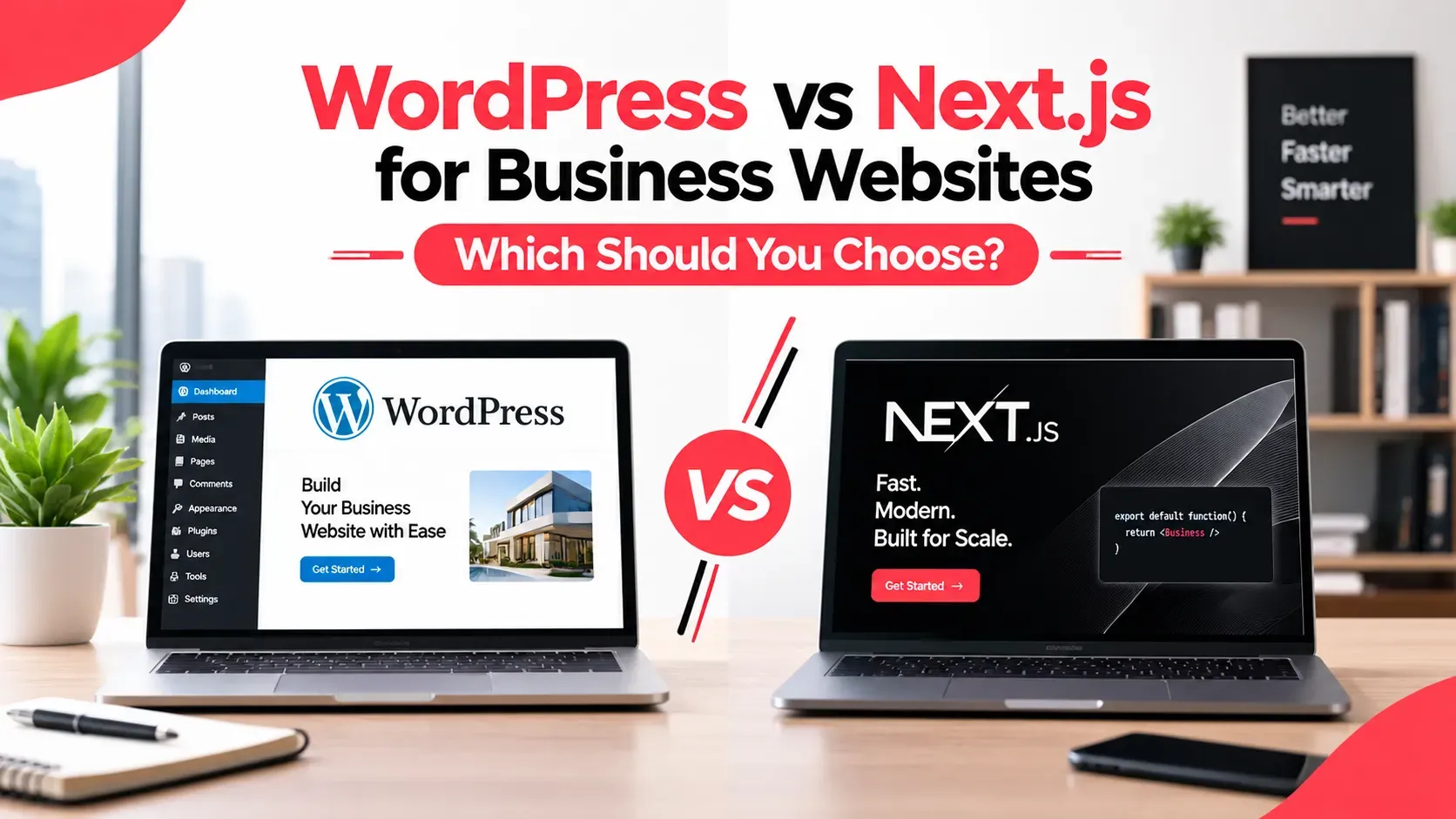
One developer tells you WordPress is outdated. Another says Next.js is overkill for a company website. Both sound sure of themselves, and you are the one paying for the decision.
The honest answer to WordPress vs Next.js is that neither is better in every case. They solve different problems, and the right choice depends on your team, your goals and your budget. This guide gives you a clear way to decide without needing to read code.
Quick Answer
Choose WordPress if you need a content-driven site that your team can edit easily, launched quickly on a modest budget. Choose Next.js if you need custom features, system integrations or top-tier performance. Many businesses also combine the two, using WordPress for content and Next.js for the front end.
Key Takeaways
- WordPress is a content management system. Next.js is a framework for building custom websites.
- WordPress is usually faster and cheaper to launch, and easier for non-technical editors.
- Next.js offers more control over performance, design and integrations, but needs developers.
- Both can rank well on Google when they are built and maintained properly.
- You do not have to pick only one: headless setups use both.
What Is WordPress, and What Is Next.js?
These two are not like-for-like products, which is why the debate gets confusing.
WordPress in plain English
WordPress is a ready-made system for building and managing websites. You log in, write pages, upload images and publish, without touching code. WordPress.org says it powers over 43% of all sites across the web, which is why so many developers and plugins exist for it.
Next.js in plain English
Next.js is a framework, which means it is a toolkit developers use to build a website from the ground up. There is no built-in dashboard or theme. You design exactly what you want, and developers build it.
Why this is not a fair fight
Think of WordPress as a furnished flat: move in quickly and rearrange as you like. Next.js is a plot of land: you can build anything, but you need an architect and a builder first.
WordPress vs Next.js: How Do They Compare?
Here is the side-by-side view most business owners want:
Factor | WordPress | Next.js |
|---|---|---|
Setup time | Days to weeks | Weeks to months |
Upfront cost | Lower | Higher |
Editing content | Easy, built-in dashboard | Needs a CMS or developer set-up |
Design flexibility | Good with themes, limited by them | Unlimited |
Speed | Good when well built and hosted | Excellent when well built |
Custom features | Plugins or custom code | Built to order |
Maintenance | Regular updates to core, themes and plugins | Code updates and dependency upkeep |
Best for | Content sites, small teams, quick launch | Custom platforms, integrations, performance |
The table gives you the pattern. The sections below explain what sits behind each row.
WordPress vs Next.js: Which Is Faster and Better for SEO?
Both can rank. The difference is how much work it takes to get there.
How Next.js renders pages
According to the Next.js documentation, pages are Server Components by default, so work happens on the server and less JavaScript is sent to the browser. That helps the page show content sooner.
Why a well-built WordPress site can rank too
WordPress can pass Google's speed checks when it has quality hosting, a lightweight theme, compressed images and few plugins. A slow WordPress site is usually a build or hosting problem, not a platform limit.
Core Web Vitals in practice
Google measures how fast a page loads, how quickly it responds and how stable it feels. Next.js gives developers more tools to control those scores.
WordPress needs careful choices to reach the same place. Either way, the result depends on the build, not the name.
Which Is Easier for Your Team to Manage?
This is where many projects are won or lost.
With WordPress, your marketing team can usually edit pages, add blog posts and change images on their own. That independence saves time and developer fees every month.
With Next.js, content editing depends on how it was set up. Without a content management layer, every text change goes through a developer. With one, editors get a friendly dashboard, but it is an extra piece to plan and pay for.
Ask these questions before you decide:
- Who will update the site, and how often?
- Do they need to work without a developer?
- How many people need to publish at once?
If you are still comparing platforms more broadly, our guide to the best CMS platforms for UAE business websites covers the wider field.
How Do Cost and Maintenance Differ?
Build cost
WordPress is usually cheaper to build because themes and plugins already do much of the work. Next.js costs more upfront because developers build the design and features specifically for you.
Long-term upkeep
Both need ongoing care. WordPress needs regular updates to the core software, themes and plugins, and more plugins mean more things to keep current. Next.js needs developer time to update code and dependencies and to ship changes.
So the cheaper build is not always the cheaper site over three years. Compare the full cost, including who fixes things when they break. Ask any agency for a written estimate of both build and monthly upkeep.
When Is WordPress the Better Choice?
WordPress fits best when:
- Your site is mostly pages, services and blog content.
- A small team needs to edit without developers.
- You want to launch quickly on a modest budget.
- You rely on common features such as forms, bookings or a simple shop.
For these businesses, WordPress is a sensible, proven choice, and a good developer can make it fast and secure. If that sounds like you, CMS development services in Dubai can set up the build, plugins and editing workflow so your team stays in control.
When Is Next.js the Better Choice?
Next.js is worth the extra investment when:
- You need custom features that plugins cannot deliver cleanly.
- The site connects to other systems such as a CRM, an ERP or a booking engine.
- Speed and user experience directly affect revenue.
- The website is closer to a product than a brochure.
Picture a property platform with live listings, filters and a customer portal. That is a better fit for a custom build than for a stack of plugins.
We build on both platforms, so Milaaj Brandset recommends whichever fits your goals, not whichever is easier for us to sell.
Can You Use Both? What Is Headless WordPress?
Yes. In a headless setup, your team manages content in a familiar dashboard while a Next.js front end displays it to visitors. You keep easy editing and gain custom design and speed control.
The trade-off is complexity. You have two systems to host and maintain, so it only makes sense if the benefits are clear.
WordPress is not the only option behind a Next.js front end. A headless system such as Payload CMS development is another route when you want editing tools designed to sit alongside a custom front end.
Which Should You Choose? A Quick Decision Checklist
WordPress suits most content-led business websites that need fast launch, easy editing and a modest budget. Next.js suits custom platforms, complex integrations and performance-critical experiences. If you are unsure, start with the simplest option that meets your needs and plan a path to upgrade later.
Answer these six questions:
- Is most of your site pages and blog posts? That points to WordPress.
- Will non-technical staff edit it regularly? That points to WordPress.
- Do you need custom features or system integrations? That points to Next.js.
- Is page speed critical to sales or sign-ups? That points to Next.js.
- Do you have a budget for developers and upkeep? Yes points to Next.js.
- Do you need both easy editing and a custom front end? Consider headless.
If you are curious about the technology under Next.js, our explainer on React.js for business websites covers where React ends and Next.js begins.
Frequently Asked Questions About WordPress vs Next.js
Is Next.js better than WordPress?
Not in every case. Next.js gives developers more control over speed, design and integrations, while WordPress gives editors an easier way to manage content. The better option is the one that matches your goals, team and budget.
Is Next.js good for SEO?
Yes, when it is built well. Pages can be rendered on the server, so content reaches visitors and search engines quickly. Good SEO still depends on clear content, proper page structure, internal links and fast loading.
Can a non-technical team manage a Next.js website?
Yes, if the project includes a content management system. Without one, text and image changes usually need a developer. Ask your agency exactly how editors will update pages before you sign off on a plan.
Is Next.js more expensive than WordPress?
Usually more expensive to build, because it is custom. Over time the gap can narrow or reverse, depending on how many plugins, fixes and maintenance tasks each option needs. Ask for a written estimate of build and monthly upkeep for both.
Can I use WordPress and Next.js together?
Yes, in what is called a headless setup. Your team edits content in WordPress while a Next.js front end shows it to visitors. It adds flexibility, but also a second system to maintain.
Final Thoughts
Choosing between WordPress vs Next.js does not need to feel like a gamble. Start with what your business actually needs: who edits the site, what it must do, how fast it must be and what you can invest. The answer usually becomes clear once you ask those questions in that order.
If your needs are custom, integrated or performance-critical, a Next.js development team in Dubai can scope the build and tell you honestly whether the extra investment pays off.
You do not need to become a developer to make a sound call here. You only need the right questions, and now you have them.
Ready to Elevate Your Brand?
Start Your Project Today